Creator: Team Reflex
Reflex has been updated to latest Minecraft version, but still has the same features and MultiOS support. This means that it works both for Mac, Linux and Windows.
OptiFine included: This client comes pre-installed with the OptiFine mod. OptiFine lets you tweak several graphic settings in Minecraft.
We have just updated the download section to include the Reflex ULTRA version. This version includes updated code, improved GUI and more mods.
It got all you need when you need to grief, PvP or just finding quick diamonds in either singleplayer or online in multiplayer on Minecraft servers.
Please note: when you start the client it will prompt you to login to Reflex pro. Just click “Cancel” and you can start play normally without pro.
Coded by: billybob1060
Designed by: harrison633
Client by: Team Reflex
Screenshots
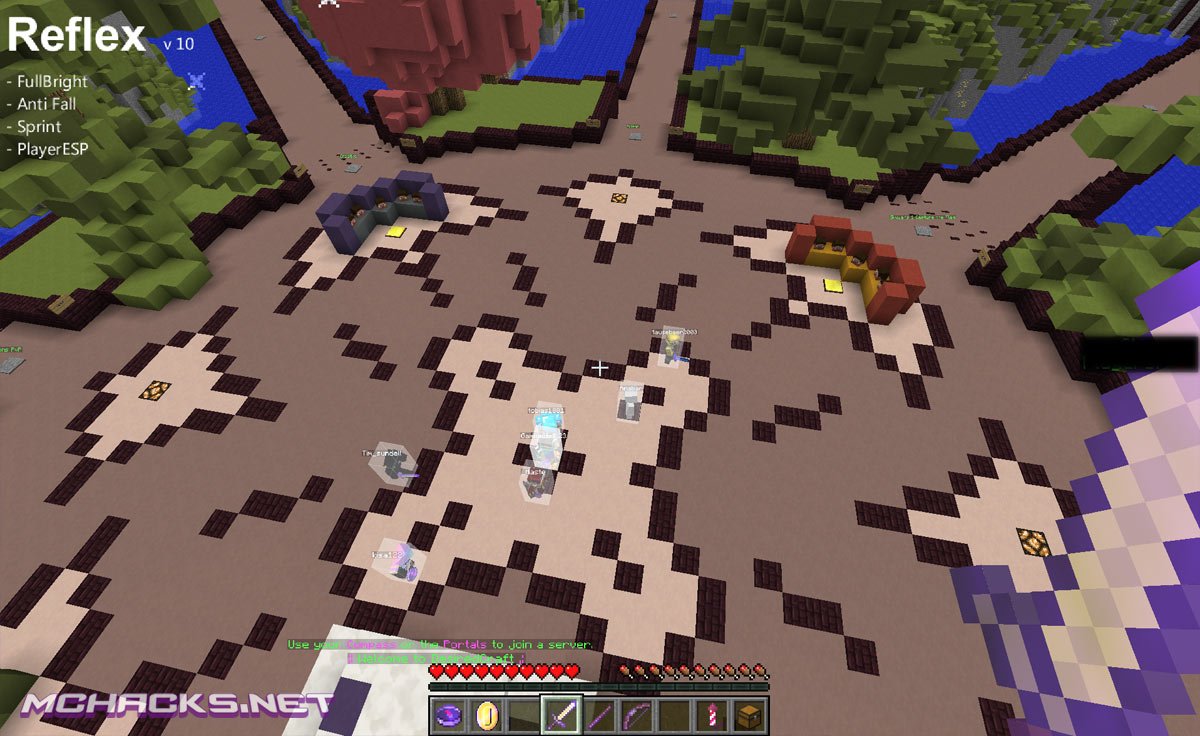
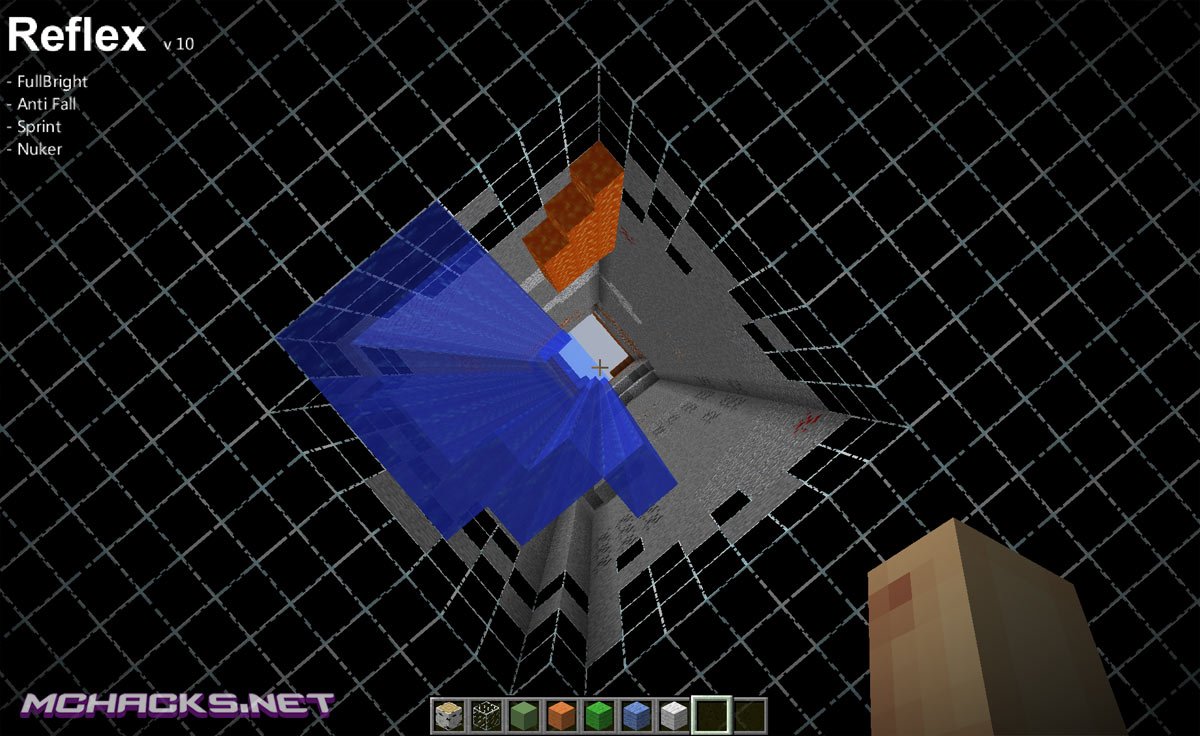
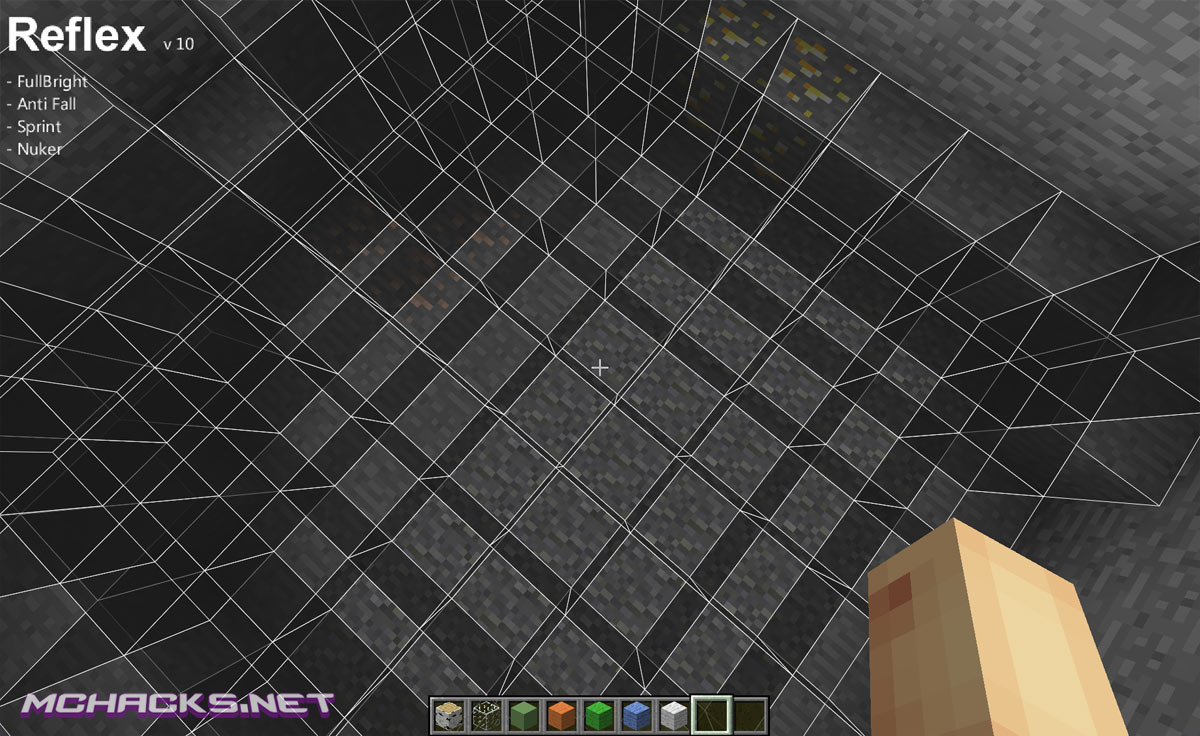
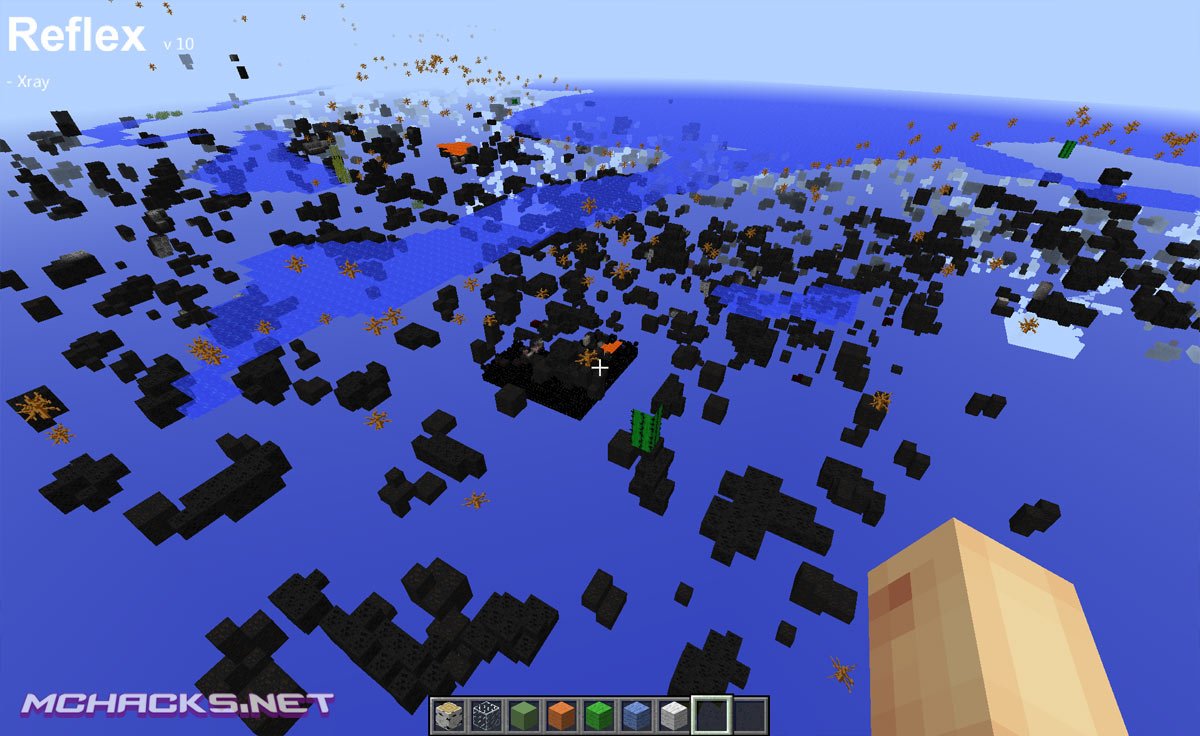
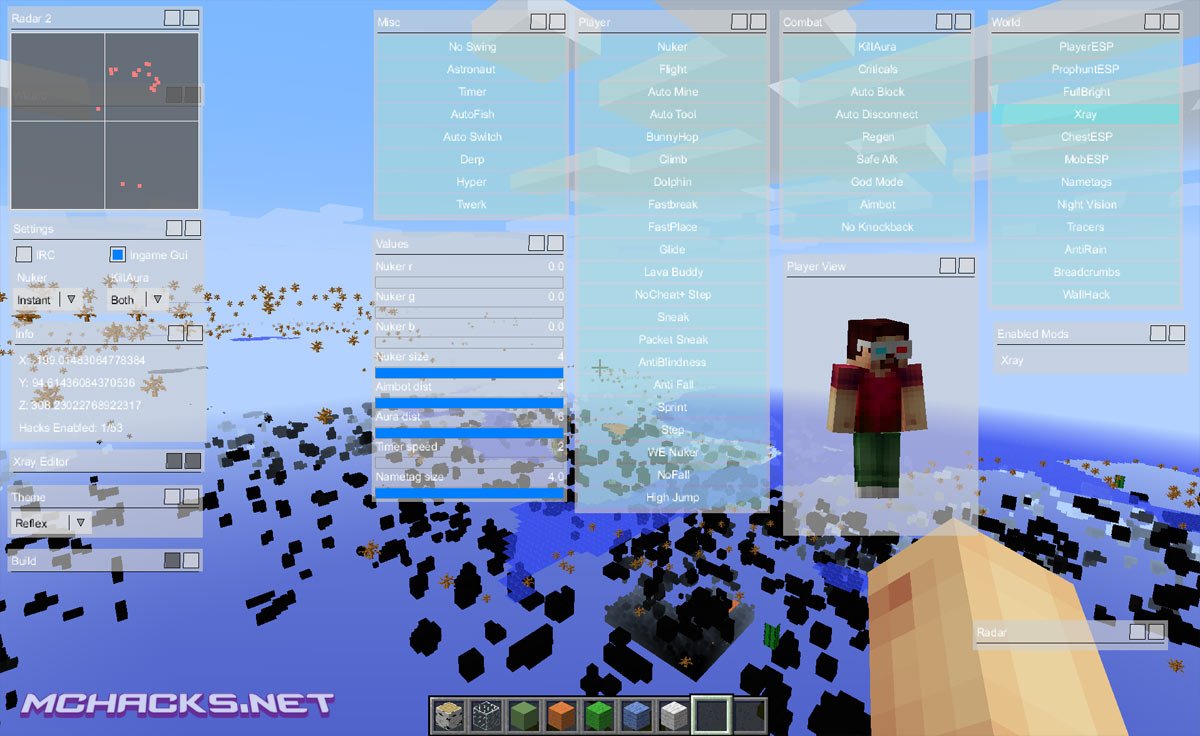
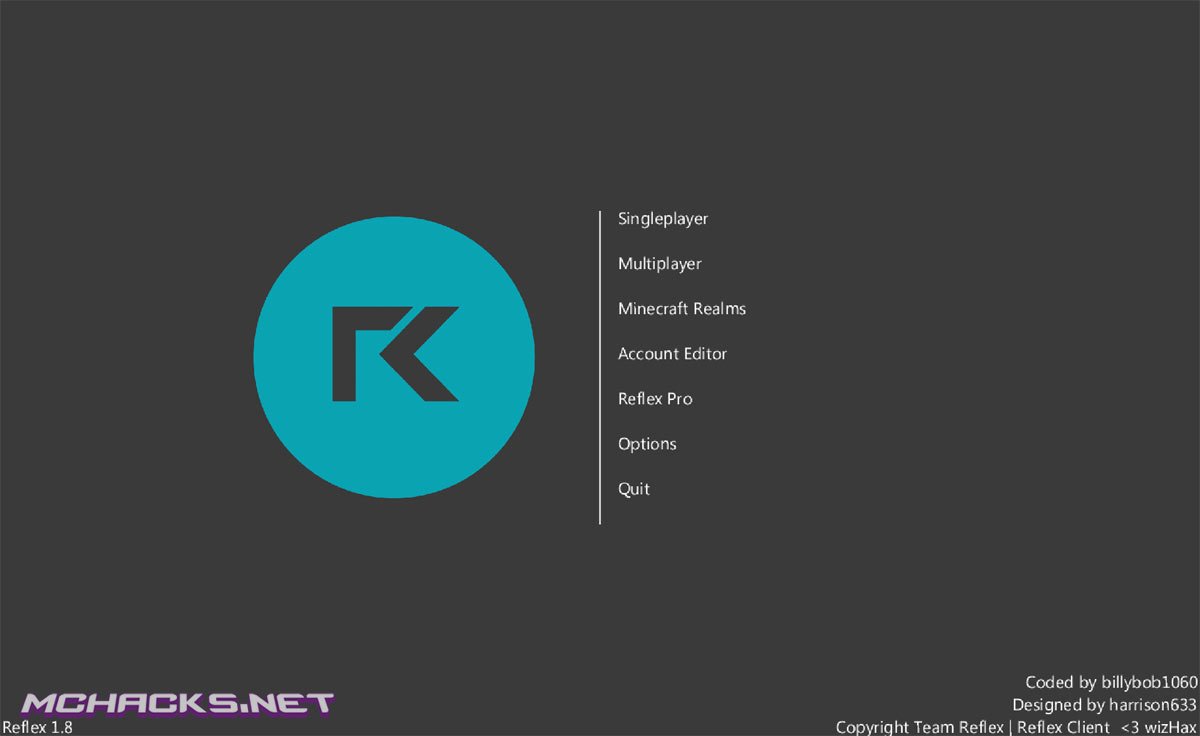
Reflex Ultra
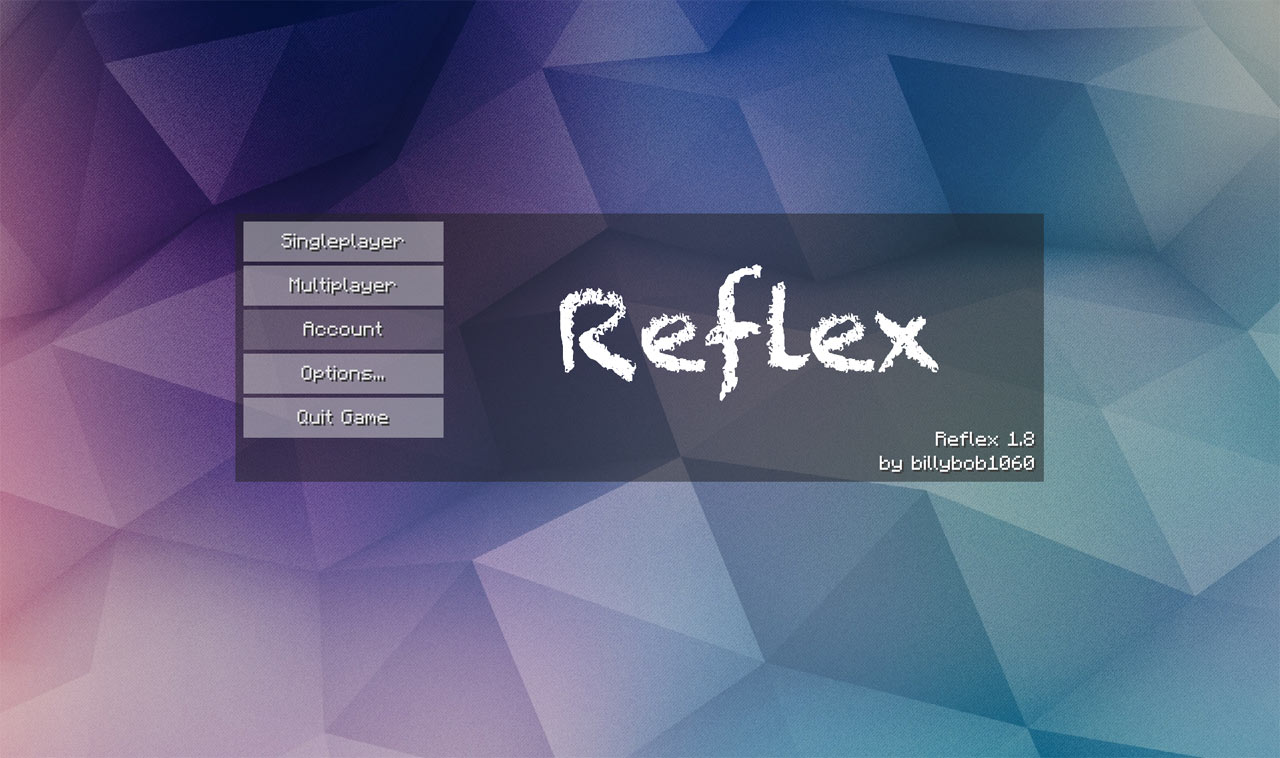
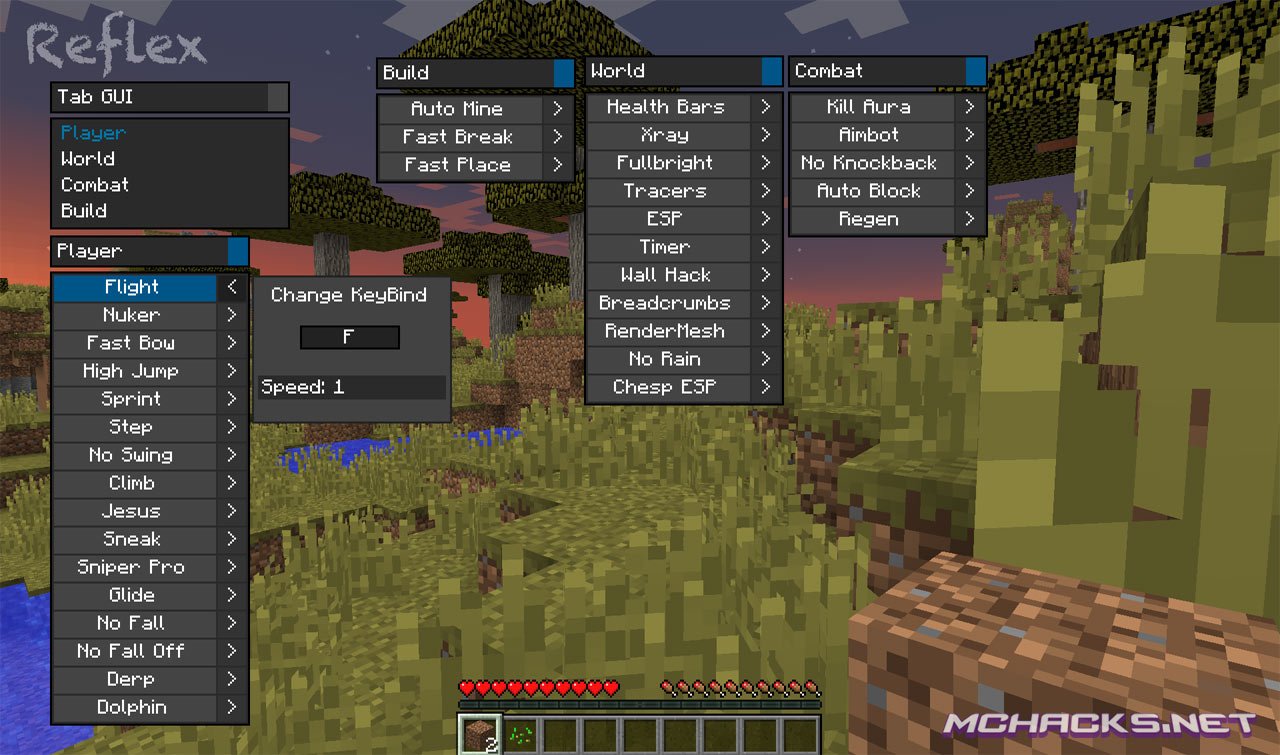
- AutoSwitch
- Waypoints
- Glide
- RageMode
- PacketSneak
- AutoMine
- Bunny Hop
- WorldEditESP
- AntiBlindness
- NoSwing
- Step
- FullBright
- AutoBlock
- AutoDisconnect
- Night Vision
- ProphuntESP
- Sprint
- Climb
- AutoTool
- MobESP
- Xray
- Flight
- Nuker
- AntiFall
- Regen
- Hyper
- Dolphin
- Derp
- AutoFish
- NoFall
- FastPlace
- ChestESP
- Trajectories
- AnitKnockback
- FastBreak
- Breadcrumbs
- Criticals
- Aimbot
- Timer
- Tracers
- NameTags
- Step NoCheat+
- KillAura
- PlayerESP
- AntiRain
- Godmode
- Astronaut
- Sneak
And more!
How to use Reflex client
GUI / Menu control: Right Shift
Command: .help
How to install Reflex
1. First
- Download and extract the zip file.
- Close Minecraft (if open).
2.1 For Windows
- Navigate to:
%appdata%\.minecraft\versions - Move the Reflex folder to:
\versions
2.2 For Mac
- Navigate to:
~Library/ApplicationSupport/minecraft/versions - Move the Reflex folder to:
/versions
2.3 For Linux
- Navigate to:
\Home\.minecraft\versions - Move the Reflex folder to:
\versions
3. Create a new profile
- Open the Minecraft launcher
- Click on “New Profile”
- Settings:
- Profile Name: Reflex
- Use version: release Reflex
- Save Profile
- Chose the newly created profile “Reflex″ and click “Play”.
nice client I really like it for opfactions and trolling I give you a 10/10 rate :) :D
I will be doing a review with the hacks mod :) thanks for making Enjoy
Minecraft Cracked Server 1.8 IP: PLAYMCMP.COM
Is there a Console? If so, what hey to open it?
right shift
omg where is the place it lets you install it?
WTF godmode wont work
i like it but its kind of glitchy
Your links don’t work.
is there something i did wrong? it installed properly but everytime i use something like climb it either glitches or crashes and is god mode suppose to do something because its not for me
How do I enter command that are only for Reflex? If I do /bind clearall it doesnt work
You need to do .bind clearall
it says that it has optifine…but when i go to the video options there is nothing but the original stuff. am i to install optfine myself or what?
I got that too.
For some reason, it doesn’t have OptiFine when I played with it.
when im trying to open it just stays at the mojang logo
wtf i did everything right but it wont show up in versions
abcourse godmode wont work in multiplayer
how do i change the keybinds?
I have an issues with not only this but all the cheat clients. You guys say it is for 1.8 but every time I put the files into versions and make a new profile it says “play 1.7.9” and doesn’t work with 1.8. Can someone please help me?
guys how do i activate the hack
I put it in the version folder but it will not show up on the launcher what do i do now?
Make a new profile, edit the version to ”release Metro”
it wont let me download on mac
I can never find the download button. Where is it?
yse
Thx really helped me to hack on op factions with reflex i give u 10/10 rate
thats what i used it for
yeah i will do a youtube review hope u see it
lol
wear is the download butten
when I downloaded it, it was not a .zip file, it was a megainstaller.exe, what did I do wrong?
It installs Mega File Share. Instead of that button click on the download on my browser
I LOVE THE REFLEX HACKED CLIENT<3 THREE STARS – ***
Can you make it so that it’ll work with Forge and other Forge mods?
Legindary
Umm… where is the ‘Download Button…’
You have adblocker enabled if yes, disable it and click show anyways on the purple thing under the how to download.
.-. Nvm Found It
why does it crash whenever I load up the client?
can you get mods with this
dude even chest esp has a wrong name in the screenshots