Creator: Halalaboos
This is one very popular client for Minecraft. It is packed with great features/mods/cheats that can be used online on standard Minecraft servers. Older versions of Huzuni is still available. As mentioned before, it can be used online on servers where features like Xray can be useful or easy finding diamonds and the combat mods are very useful for PvP modes. It has in-game options and a nice GUI overlay. Just click “right shift” to open the menu.
Update: Check out Huzuni for Minecraft 1.10.x.
Author note:
Huzuni is a Minecraft Griefing client originally developed by Halalaboos and co-developed by brudin, his best friend. Originally it was a private client made by the two entitled ‘Poohbear’, but after a freak accident, its development was discontinued. Thus we have moved onto making a new client and using the event system from the original client. I guess you could say it’s just poohbear renamed, but it really is not. Now, its a free Minecraft griefing client made to suit your needs when it comes to griefing.
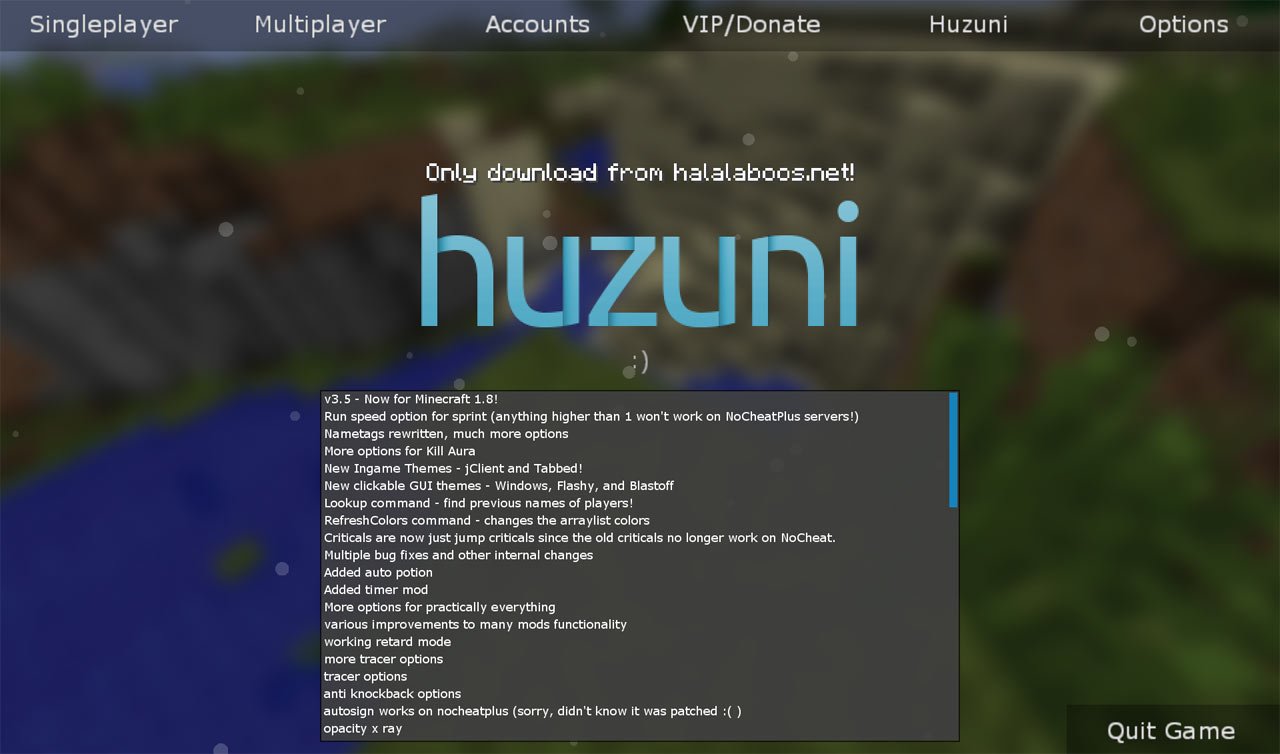
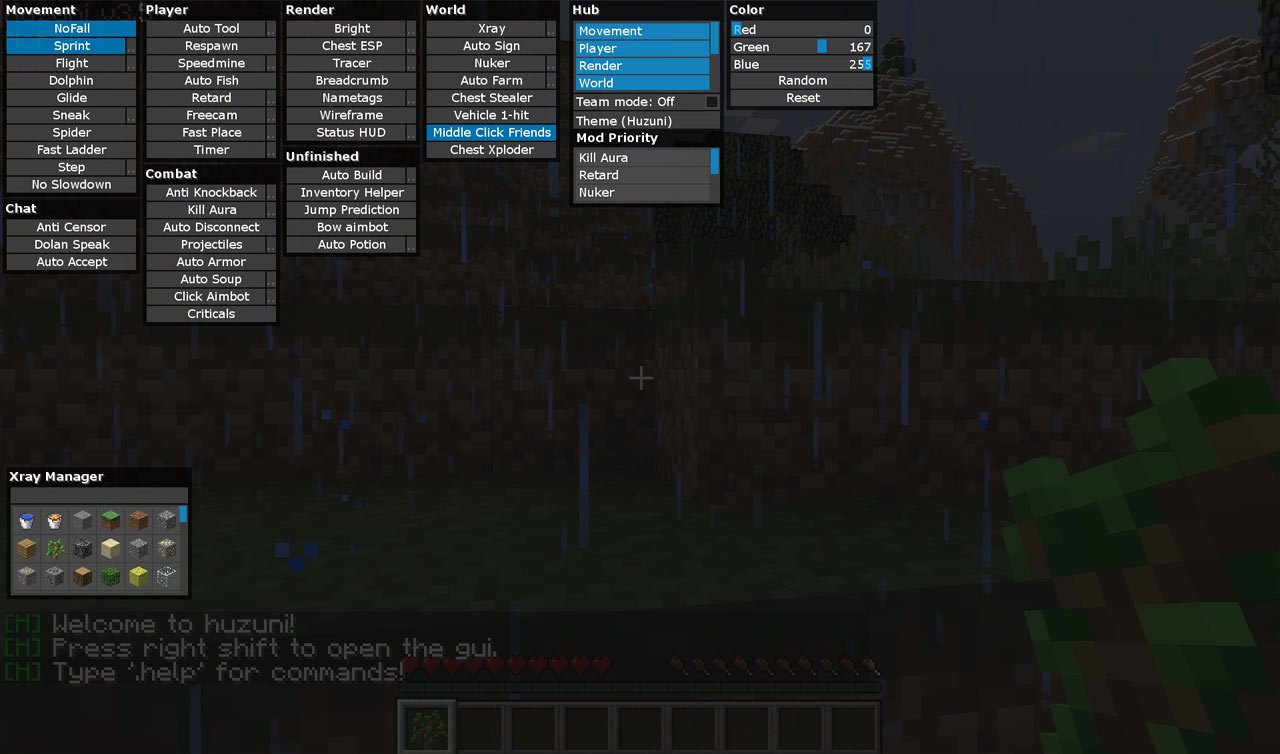
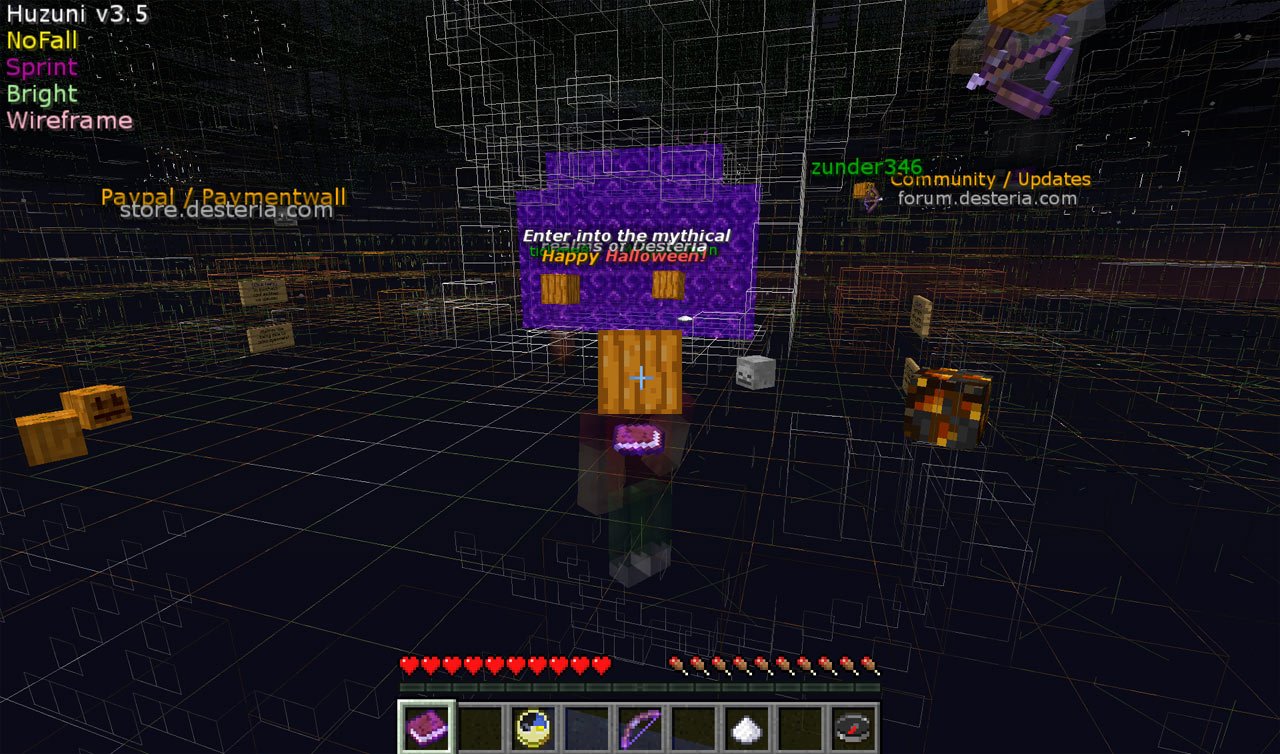
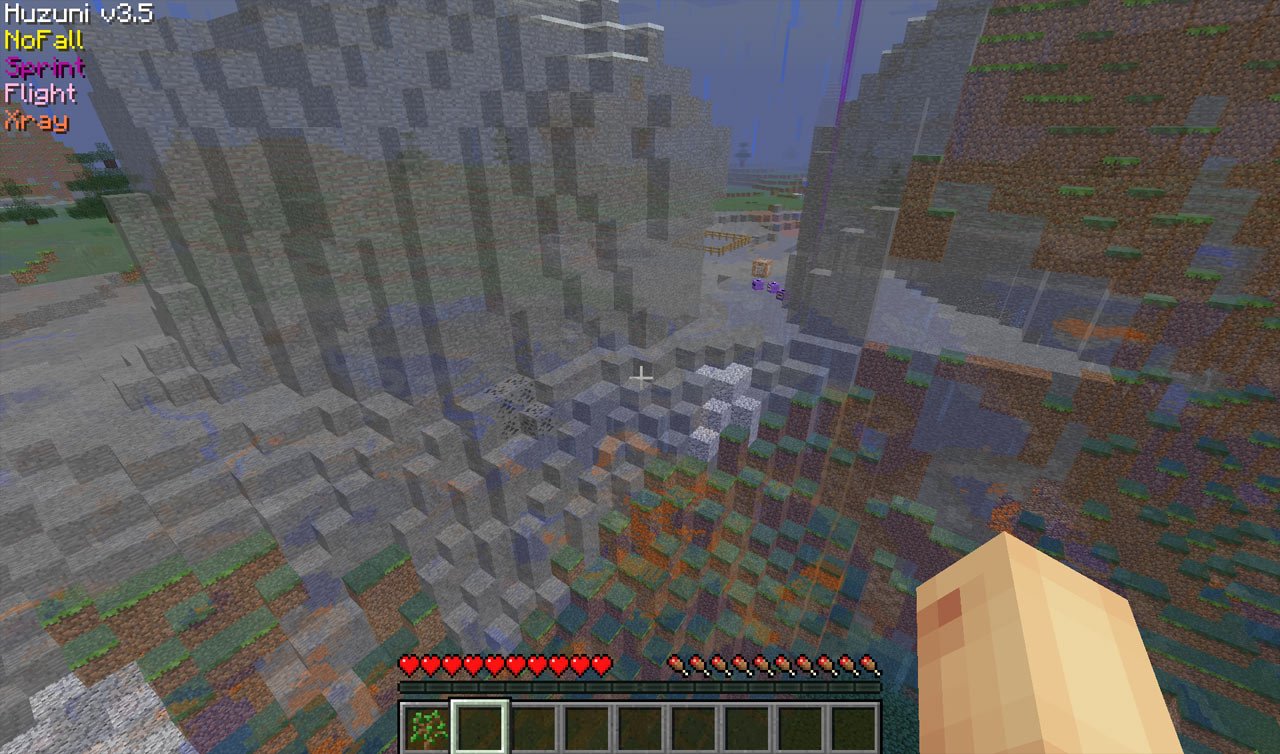
In-game screenshots of Huzuni
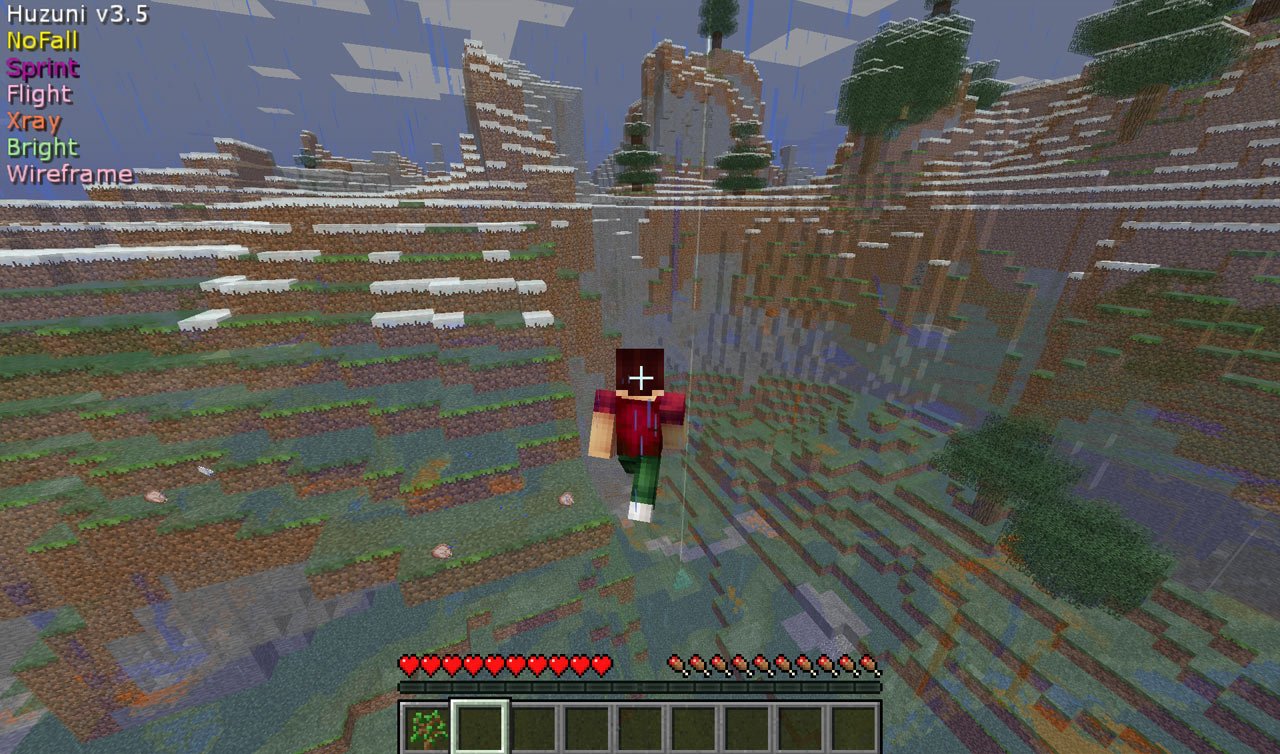
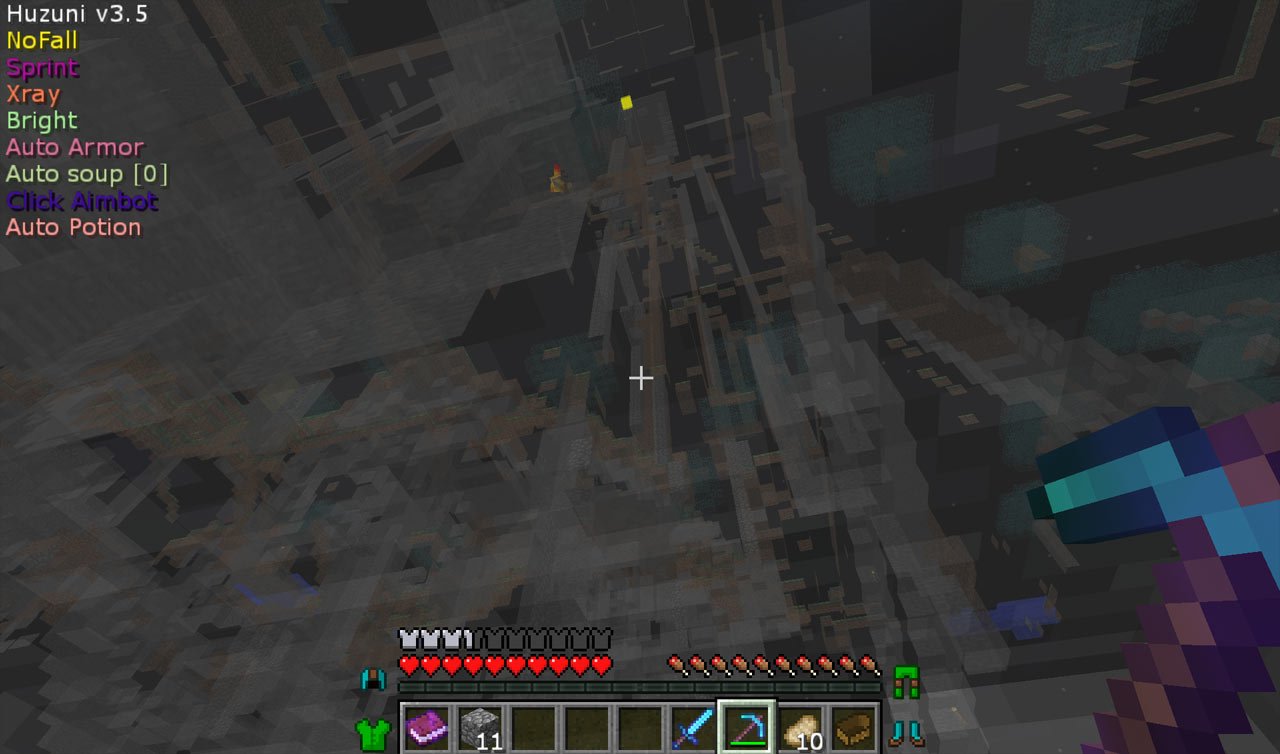
Usage – Menu – GUI
Menu/click GUI: Right Shift
Help command: .help
Movement mods
- No Fall
- Sprint
- Flight
- Dolphin
- Glide
- Sneak
- Spider
- Fast Ladder
- Step
- No Slowdown
Player mods
- Auto Tool
- Respawn
- Speedmine
- Auto Fish
- Retard
- Freecam
- Fast Place
- Timer
Combat mods
- Anti Knockback
- Kill Aura
- Auto Disconnect
- Projectiles
- Auto Armor
- Auto Soup
- Click Aimbot
- Criticals
Render mods
- Bright
- Chest ESP
- Tracer
- Breadcrumb
- Nametags
- Wireframe WH
- Status HUD
World mods
- Xray
- Auto Sign
- Nuker
- Auto Farm
- Chest Stealer
- Vehicle 1-hit
- Middle Click Friends
- Chest Xploder
Chat mods
- Anti Censor
- Dolan Speak
- Auto Accept
Unfinished mods
- Auto Build
- Inventory Helper
- Jump Protection
- Bow Aimbot
- Auto Potion
Other options/mods
- Hub options
- Themes
- Color options
- Mod Priority
- Xray manager
Windows Installation
- Download and extract the zip file.
- Close Minecraft (if open).
- Navigate to:
%appdata%\.minecraft\versions - Move the extracted Huzuni folder to (not the Huzuni 3.5 folder):
\versions - Open the Minecraft launcher.
- Click on “New Profile”.
- Settings:
- Profile Name: Huzuni
- Use version: release Huzuni
- Save Profile.
- Choose the newly created profile “Huzuni″ and click “Play”.
- You are done.
Where is the download? ;(
yo mama in mahhh bedd
Its in the PURPLE box. :D
~DarkAngelBladeMC
in the bottom
how do I download
https://uploads.disquscdn.com/images/dcbd595f04d496ed35b75ac4060c049c87d1e153870e642cfe654f55f69ff08a.png
Hope this helped!
~DarkAngelBladeMC
where is the download?
If you look at each of the pages, theres a PURPLE box with the download links.
~DarkAngelBladeMC
were the download
good
im using it and i cant get the GUI to open and im using rshift help me
Where vesion in MAC?
version*
You should add a mini map :)
I want huzuni 1.9!!!
mee too
huzuni haz more bypasses.. wurst has more modzzzzz which oneeeeeeeeeeeeee
Really, its up to you :D. If you find Wurst more appropriate, use it. (Same goes for Huzuni)
~DarkAngelBladeMC
AWSOME
How do you even download it?
Because There’s other way to I think.
LOL NVM! xD
How do I use the hack “Middle click friends” help!
On your mouse there’s the ‘scroll wheel,’ which also acts as a button too. Look at the player that you want to add as a friend, and then ‘click’ the scroll wheel.
Hope this helped!
~DarkAngelBladeMC
For some reason, ‘Middle Click’ is actually the scroll wheel. I know right? Confusing. Look at the player that you want to add as a ‘friend’ and click the scroll wheel.
Hope this helped!
~DarkAngelBladeMC
Idk maybe its a bug because i cant eat , open chest , and using sign :/ its like i cant consume anything if its use right click , but i can right click on sword xD
This hack you are functional and on another kind of launcher
What does x ray manager do
to fiind diamond an things you need to press right shift an select the ores
its not working for me :(
How to activate fly???
press f
yo kids!!
Hello
LOL
Damn there is no 1.10.2 EH. NUUUUUUUUUUUUUUUUUUU! other than that this client is GG
ha
It doesnt save settings ( like binds or gui ) on game restart. How do i fix that?
where is the zip file
The hack caused me problems when opening my minecraft I can not play says that contact the author could tell me who is the author?
aw
I’m so frustrated with the autofarm… we can choose what to so harvest/bonemeal/plant but we can’t choose what crop… or I can’t find the option atleast.. can anyone help me out!? 1.11.2 that is!
where is the file?
how i’m closing the menu??
Bro please add it again in mediafire i want to download this best hack !
du hure
I cant turn nuker off. It keeps turning back on how do i disable it perm?
poop
Links off
quiero haks
link donwload file not available