94 comments
Creator: FLYCODER
Creator: FLYCODER
WeepCraft is a HUGE client packed with Minecraft hacks. Our favorite features: minimap (very cool), killaura, xray, fly, nofall, jetpack.
PLEASE NOTE: You will have to register on WeepCraft forums to login and use the client, which is a big minus IMO. If you want a temporary email to register we recommend using 10 minute mail. That being said, the client works really well and the GUI is very intuitive.
Screenshots
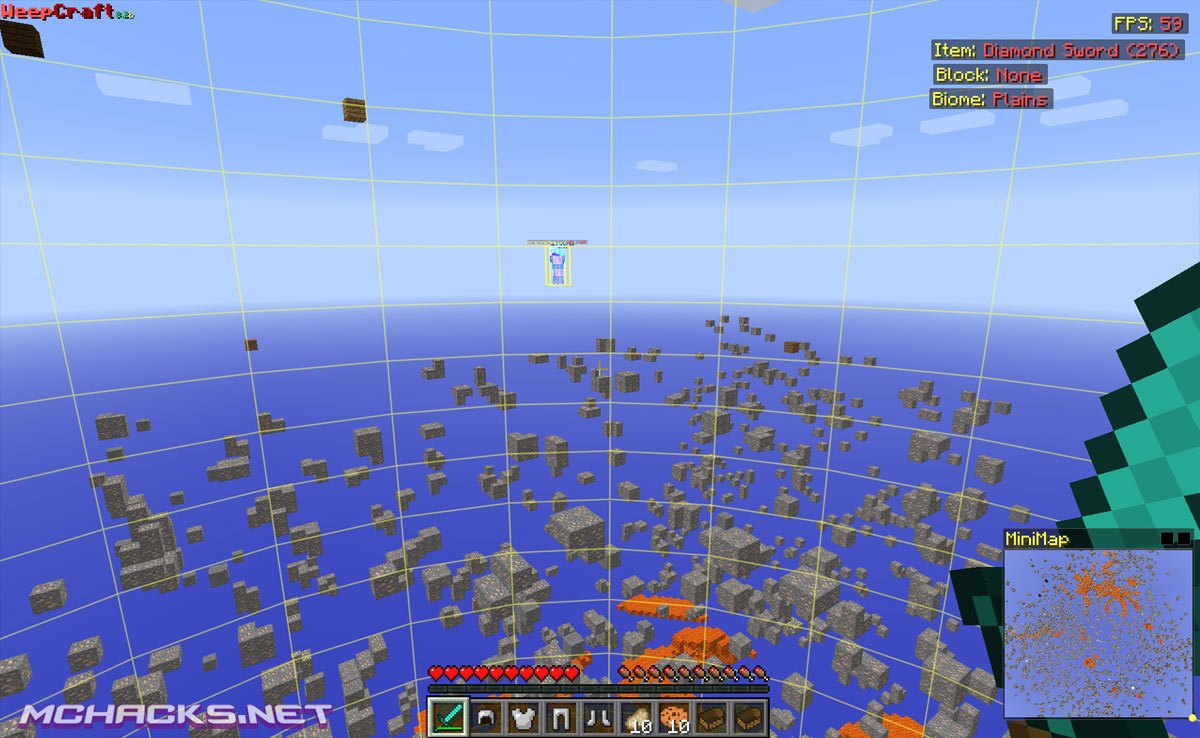
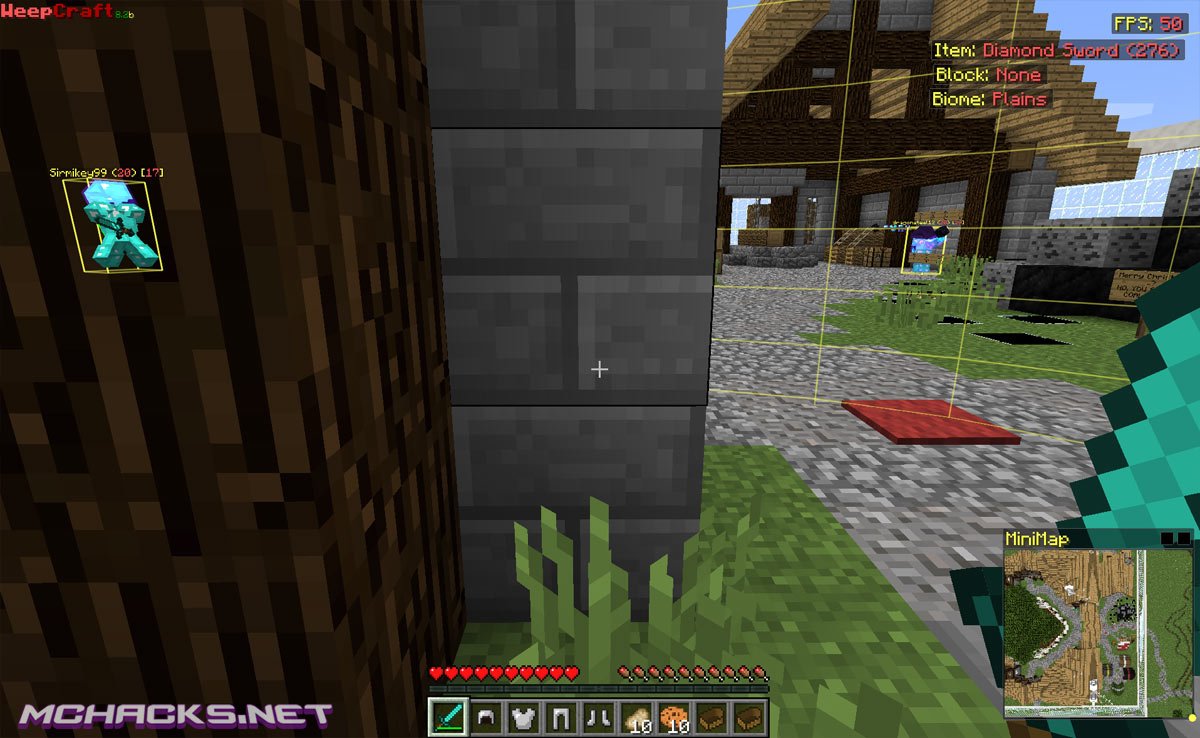
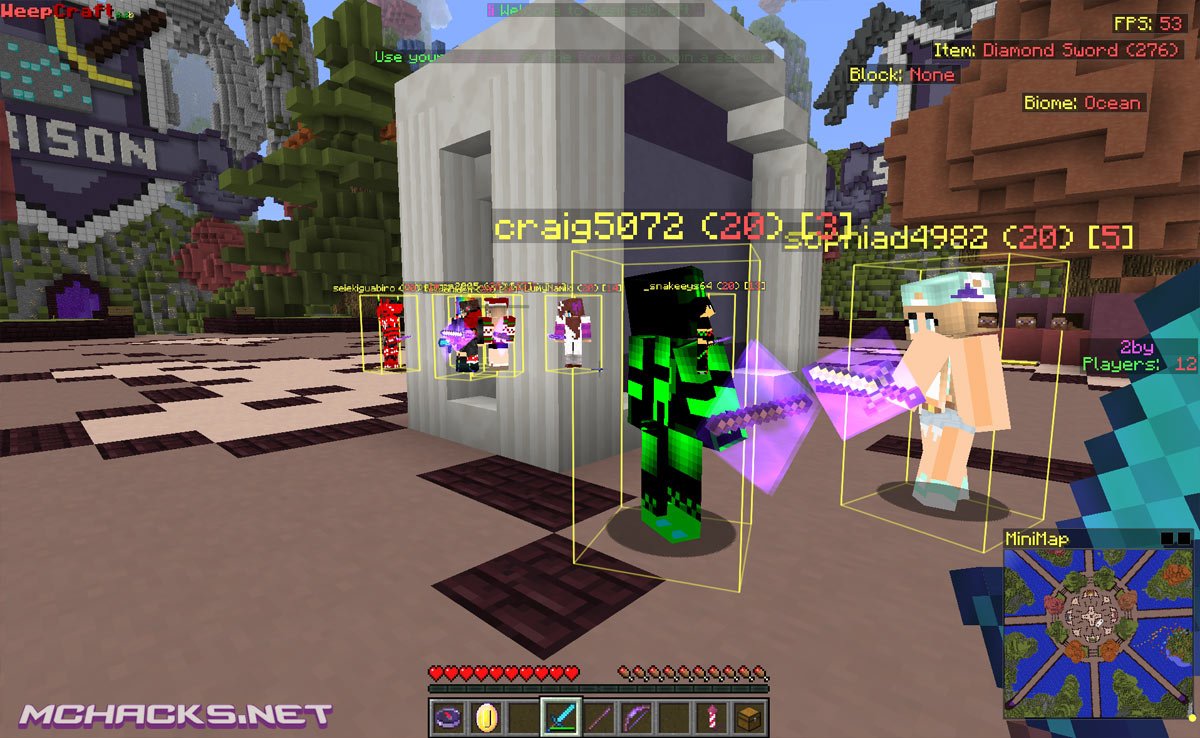
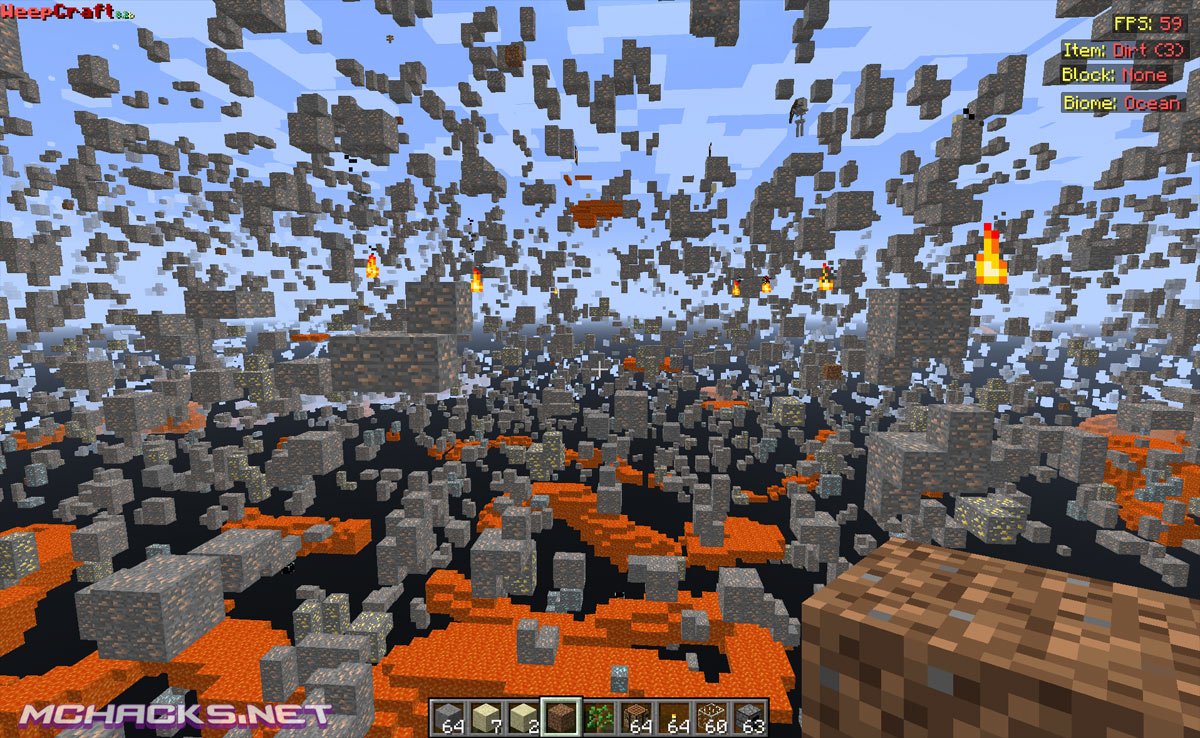
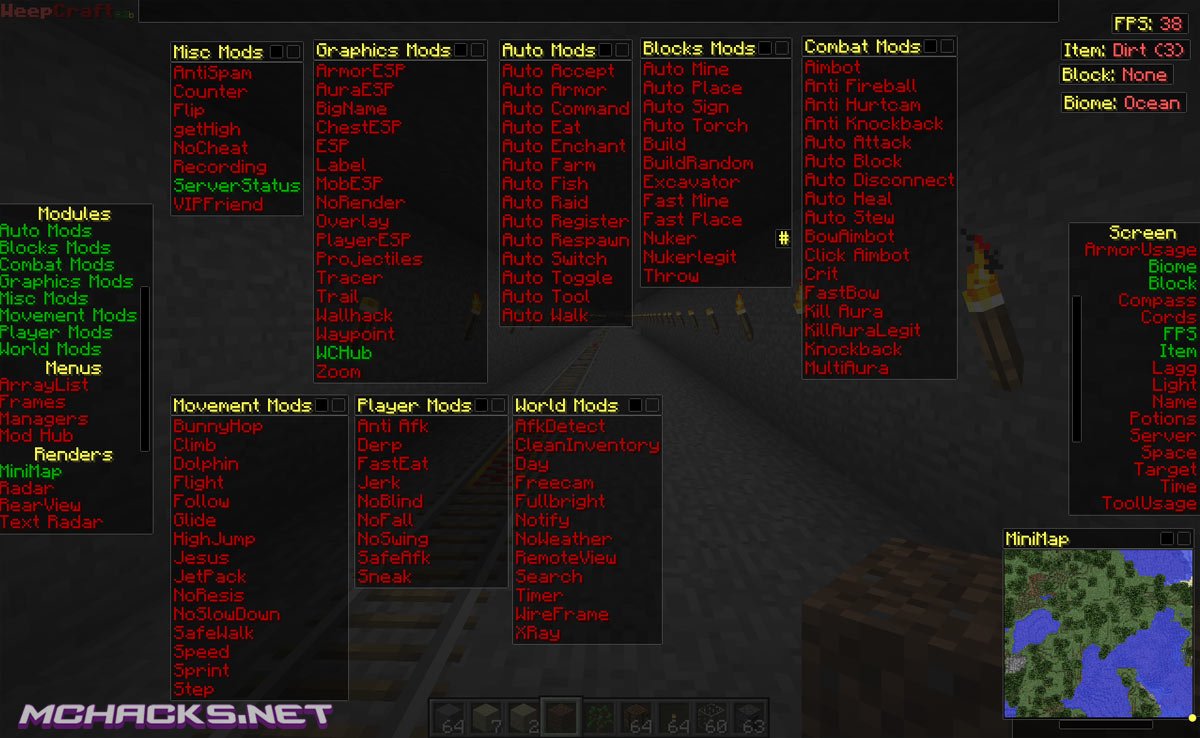
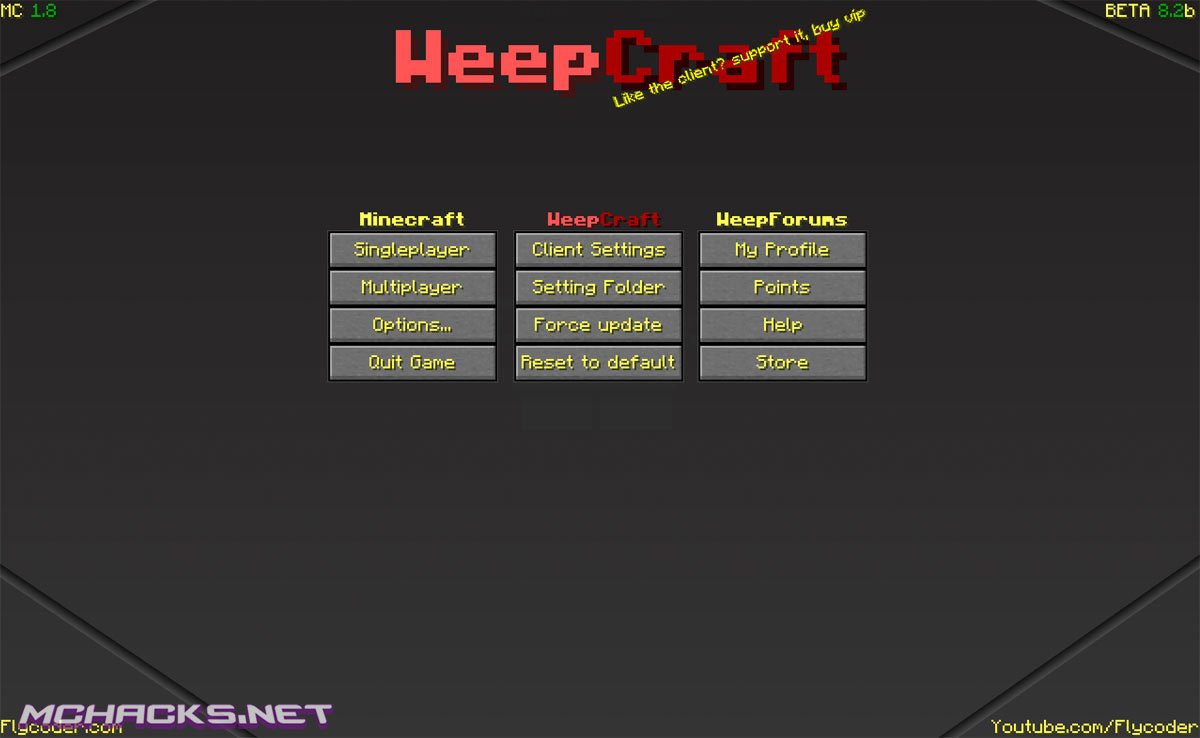
The features/mods in this client is just mindblowing, click below for full list of features.
Graphic Mods
- ArmorESP
- AuraESP
- BigName
- ChestESP
- ESP
- Label
- MobESP
- NoRender
- Overlay
- PlayerESP
- Projectiles
- Tracer
- Trail
- Wallhack
- Waypoint
- MCHub
- Zoom
Auto Mods
- Auto Accept
- Auto Armor
- Auto Command
- Auto Eat
- Auto Enchant
- Auto Farm
- Auto Fish
- Auto Raid
- Auto Register
- Auto Respawn
- Auto Switch
- Auto Toggle
- Auto Tool
- Auto Walk
Blocks Mods
- Auto Mine
- Auto Place
- Auto Sign
- Auto Torch
- Build
- BuildRandom
- Excavator
- Fast Mine
- Fast Place
- Nuker
- NukerLegit
- Throw
Combat Mods
- Aimbot
- Anti Fireball
- Anti Hurtcam
- Anti Knockback
- Auto Attack
- Auto Block
- Auto Disconnect
- Auto Heal
- Auto Stew
- BowAimbot
- Click Aimbot
- Crit
- FastBow
- Kill Aura
- Kill Aura Legit
- Knockback
- MultiAura
Movement Mods
- BunnyHop
- Climb
- Dolphin
- Flight
- Follow
- Glide
- HighJump
- Jesus
- JetPack
- NoResis
- NoSlowDown
- SafeWalk
- Speed
- Sprint
- Step
Player Mods
- Anti AFK
- Derp
- FastEat
- Jerk
- NoBlind
- NoFall
- NoSwing
- SafeAFK
- Sneak
World Mods
- Afk Detect
- Clean Inventory
- Day
- Freecam
- Fullbright
- Notify
- NoWeather
- RemoteView
- Search
- Timer
- WireFrame
- Xray
Other Mods
- MiniMap
- Radar
- RearView
- Text Radar
- ArrayList
- Screen options
- AccountChecker
- IP, Port Scanner
- ProcyChecker
- Spammer
- Stresser
- Lots of settings
How to use / keybinds
GUI Menu: Left Control
Console Menu: Right Control
How to install WeepCraft
- Download and extract the zip file.
- Close Minecraft (if open).
- Navigate to the “%appdata%/.minecraft/versions” folder.
- Move the WeepCraft folder you just downloaded to your .minecraft/versions folder. The folder should contain a .jar and a .json file.
- Start the Minecraft launcher.
- Click “New Profile”, set the “Use verison:” to “release WeepCraft“.
- Save and choose the profile and start the game.
- Enjoy !
Download Links
Download and use at your own risk. We do not create, nor host any clients, programs or downloads in general.
i dont see a minecraft versions folder
where would it be
In the directory.
open your minecraft launcher and select edit profile. Next to save profile, there should be an open game dir button. click it and it you should be there. if you dont see it, scroll down or something.
Search %appdata% click .minecraft click versions
Can speed hack be detected?
yes
Where’s the download button
I downloaded it in the versions but its not in the User Version? Help?
i crash when i play it
where is the download I can not see it on the page
dose it work for mac computers
yes
Cracked Server 1.8 IP: PLAYMCMP.COM
i can’t create a new account
How DO I Download It?
View the files in the the Hacked Client. Find a file called “‘Name of client’.json”
Open that and make sure the ID: is the same as the file name and as the .jar/.zip file.
I have windows 8. i put the weepcraft filke folder into versions but it dosnt come up on minecraft…there just no “release weepcraft” and the ID: is “weepcraft” like its supposed to be….. Help!
with me too, i need help
its easy.
1. go computer
2. put %appdata% into the place where shut read this computer or something like that
3. open .minecraft
4. go versions
5.now. you have to extract the files with winrar or some program that can do it.
6. then there shut come up folder named wurst open it if theres json and java files (1 of both) in there its the right 1.
7. then copy the “Wurst” file and add it to the %appdata%.minecraft/versions folder
8. then open minecraft and just select verions “Wurst” there now its done
Download and extract the zip file. (done)
Close Minecraft (if open). (done)
Navigate to the “%appdata%/.minecraft/versions” folder. (done)
Move the WeepCraft folder you just downloaded to your .minecraft/versions folder. The folder should contain a .jar and a .json file. (done)
Start the Minecraft launcher. (done)
Click “New Profile”, set the “Use verison:” to “release WeepCraft“. done)
Save and choose the profile and start the game. (done)
Enjoy (not done)
When I load it the game crashes, is this a bug?
um um um um *facepalm* TO CONFUSING ASSHOLES
Can’t even download it I get this message”could not connect to mysql”
keeps crashing
the “client toggle” feature is infinitely useful, however the developers recently became greedy and now you have to pay them 5 dollars to be able to change client settings and use client toggle.
how do i use this i tried it didn’t work
please help its not in my versions
heres an idea make a video! you guys needed so much help to that! hahahah
unless you want me to report a fake website i suggest you make a video to see this works am i clear?
this is a real website… ive gotten many hacks from it
There is a link that i posted to a youtube vid on how to install Nodus 2.0 from this website. The post is being checked.
Its real dumby! little kids…
How do i get it with forge?
AWSOME
Cool
Wont work! I tried to open but when i click use version it dons say weep craft
it dose not work
hi
hi
halp idk how to install it :P lol
How to install WeepCraft
Download and extract the zip file.
Close Minecraft (if open).
Navigate to the “%appdata%/.minecraft/versions” folder.
Move the WeepCraft folder you just downloaded to your .minecraft/versions folder. The folder should contain a .jar and a .json file.
Start the Minecraft launcher.
Click “New Profile”, set the “Use verison:” to “release WeepCraft“.
Save and choose the profile and start the game.
Enjoy !
Dude thanks and I got it to work but I’m making a weepcraft account and I’m typing in EXACTLY how the letters are in the image verification!
And it won’t work (image verification)
Nvm got it to work! My laptop was spazing
If you wanna register (WeepForums) the Image Verification is really weird it never works…
It Dosent Work For Me Too :(
Works! Thx (no crashes!)
THANK YOU I AM SO OP NOW I LOVE YOU GUYS!!!!!!!!!!!!!!1
I dont know…
dot know how to download it
IS A GOOD HACK :))
how tou instal hack
That 7-zip High jacked my computer. How do you get rid of it
Where is download ????
Press ctrl + f, and type ‘Download’. It should direct you to a purple box. If not, use the arrows on the find bar until you find it.
how do u download it on the website
best hack ever or grief a server
/pt //hsphere lava 30
it worked
Guys listen, everyone keeps saying they dont know how to install it, open your versions folder for minecraft then extract the winrar hack and then when your done open the folder and put the first folder into ur versions folder
My game just crashes :( what a waste of time
What is this? Error:Invaild or corrupt jarfile . plese help
xray doesn’t work in my game… WHY?
Doesn’t work tried everything there is no json file sry
I dont see where to
download
it just crashes…
i must say everything downloads fine and all but all that happens is my game crashes..
LOL this is awesome
good
Does this include registering on the forums?! ._.
if youre thinking about downloading the beta version, it is very HARD it understand (for me at least)
it worked why it needs vip for what can do guest? and im on windows 10
everything works, expect when I try to change the X-ray settings. Wont even work.
Except*
virüsss
我是帅哥
你是傻逼
我就是帅哥
你们谁有我帅?
mine name is 帅哥
丷錷
They blocked the 10minutemail domains. Any others that work?
how do i download on mchacks/?????
LOL
.1
i can’t create a new account help me please
it isn’t sending me an email I’ve been waiting for days now
not working now
the download does not work, any one know how to get it?
Seems like both links are dead, please reupload.
you can create a “version” folder @ .minecraft folder
dose anybodie
does anybody know a hack were it blowse up stuff and lets you telepourt?
neither downloads work for 1.8
Thank you very much for posting it on your website, sorry to see him later
~ Alexander01998
This client can not be found from those websites and one of them does not even exist
But that hack seems very good ( i looked at combat and got inpressed by the anti-knockback KillAura and aimbot + I saw the X-ray auto mine and more and more)
I really like it but can not download it because of the sites