67 comments
Creator: Ownage Dev Team
Creator: Ownage Dev Team
Xenon is another great hacked client made by the Ownage Development Team. It comes with many handy features like flight, sprint, no fall, Xray and many good PvP features. Like most modded clients is also has a nice GUI interface, so it’s easy to activate the different hacks.
Author description:
Xenon is a free modded Minecraft client that features many mods such as Flight, Kill Aura, Freecam, etc. Xenon also features a well renowned clickable GUI compared to the competition.
Screenshots
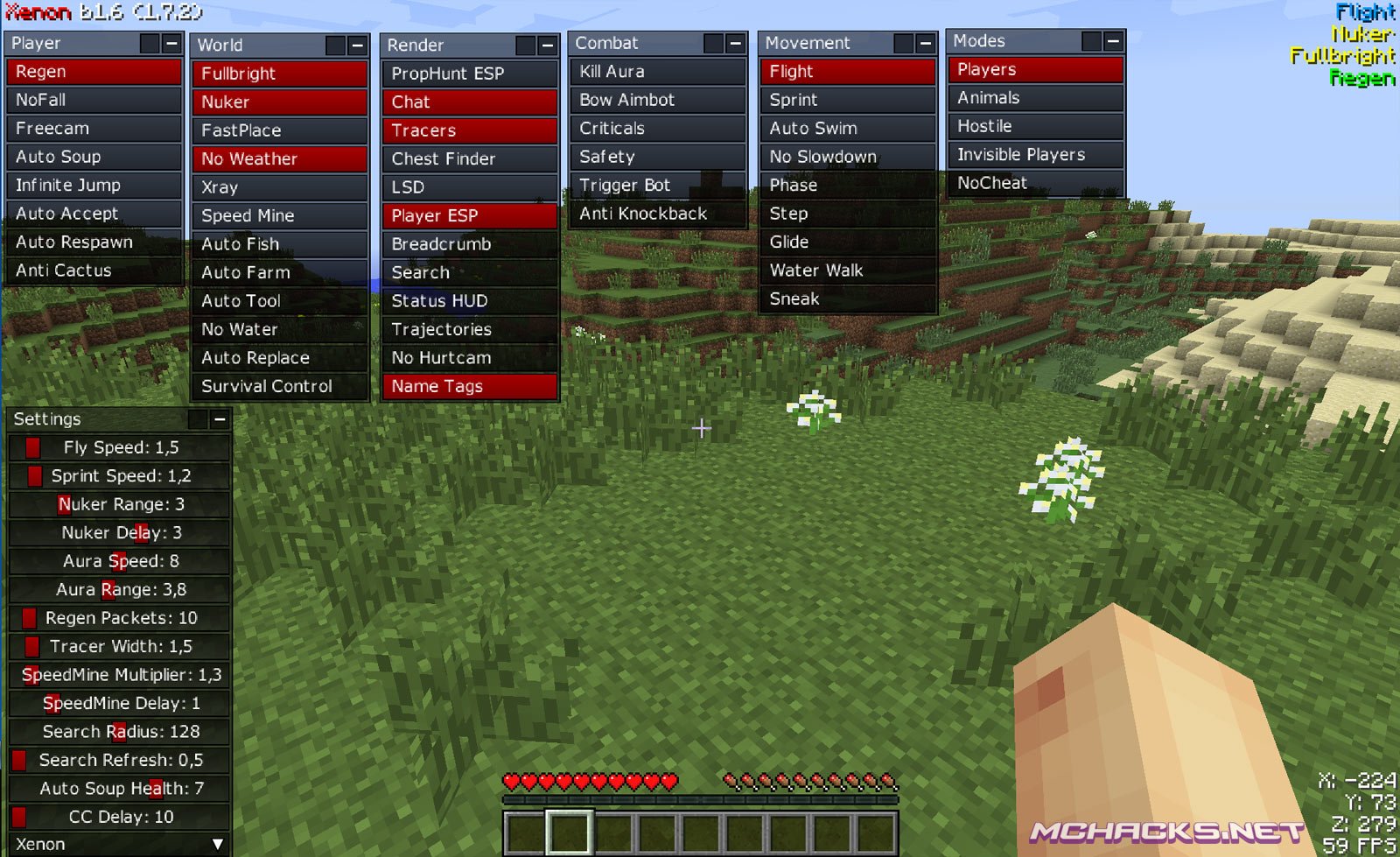
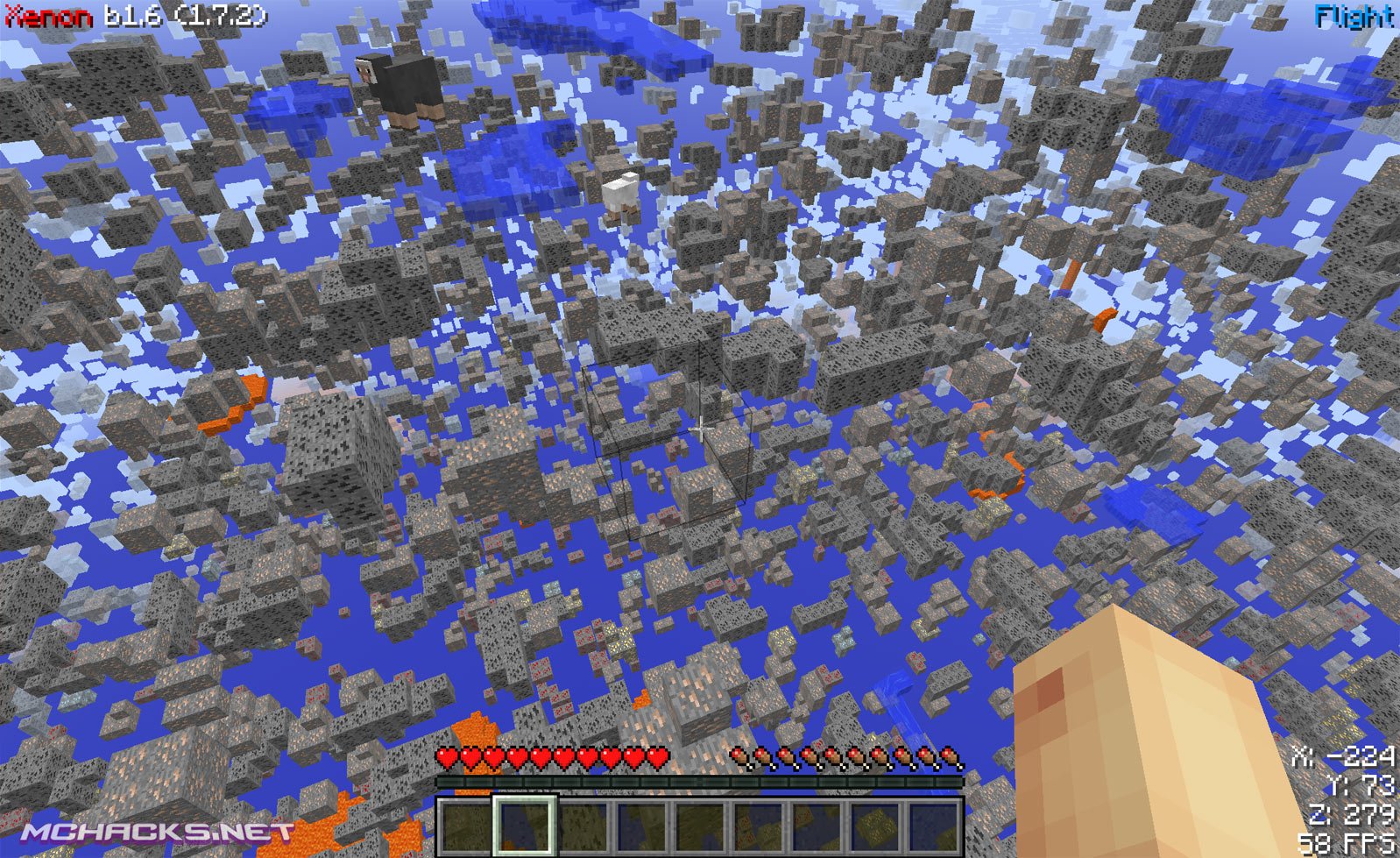
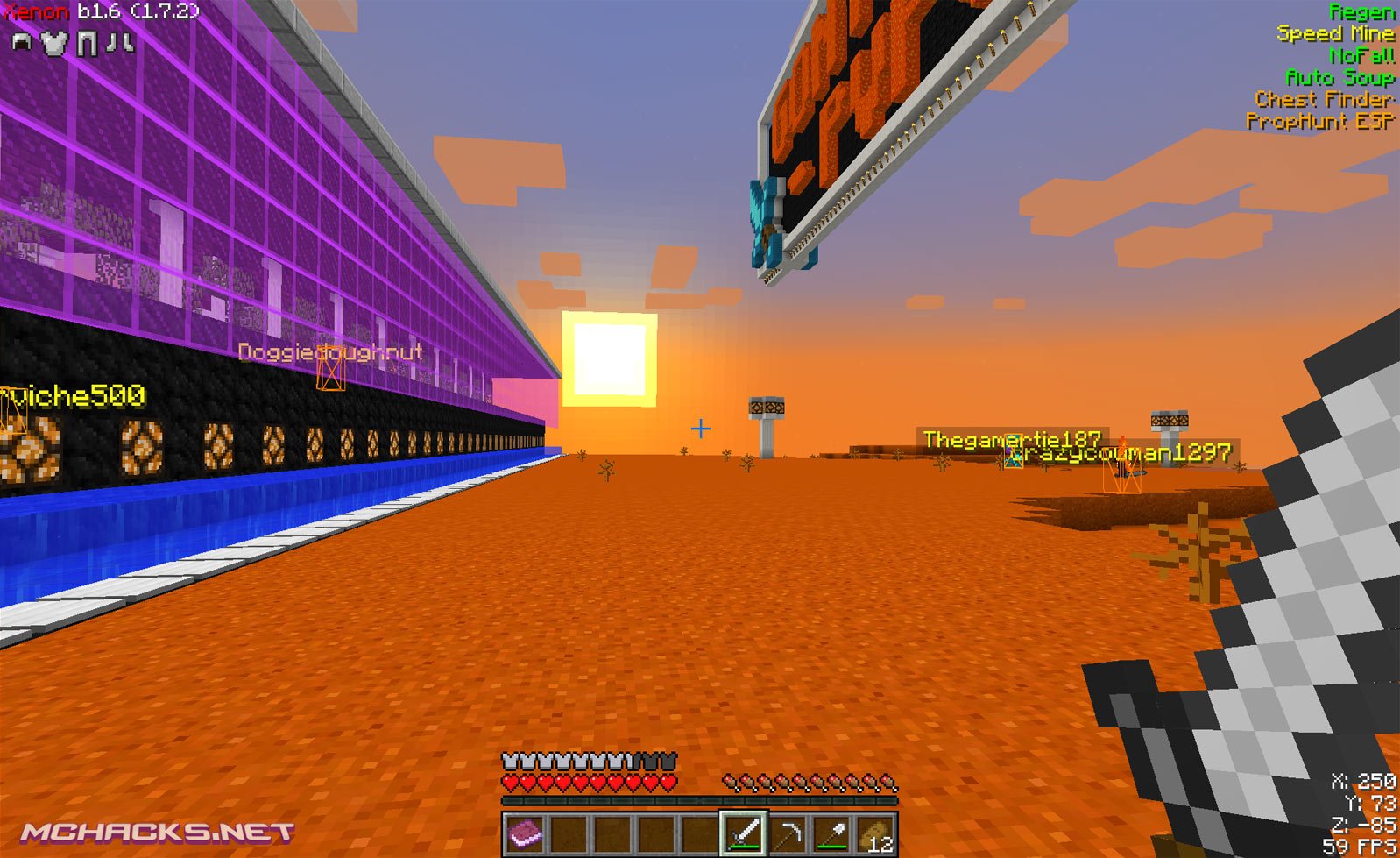
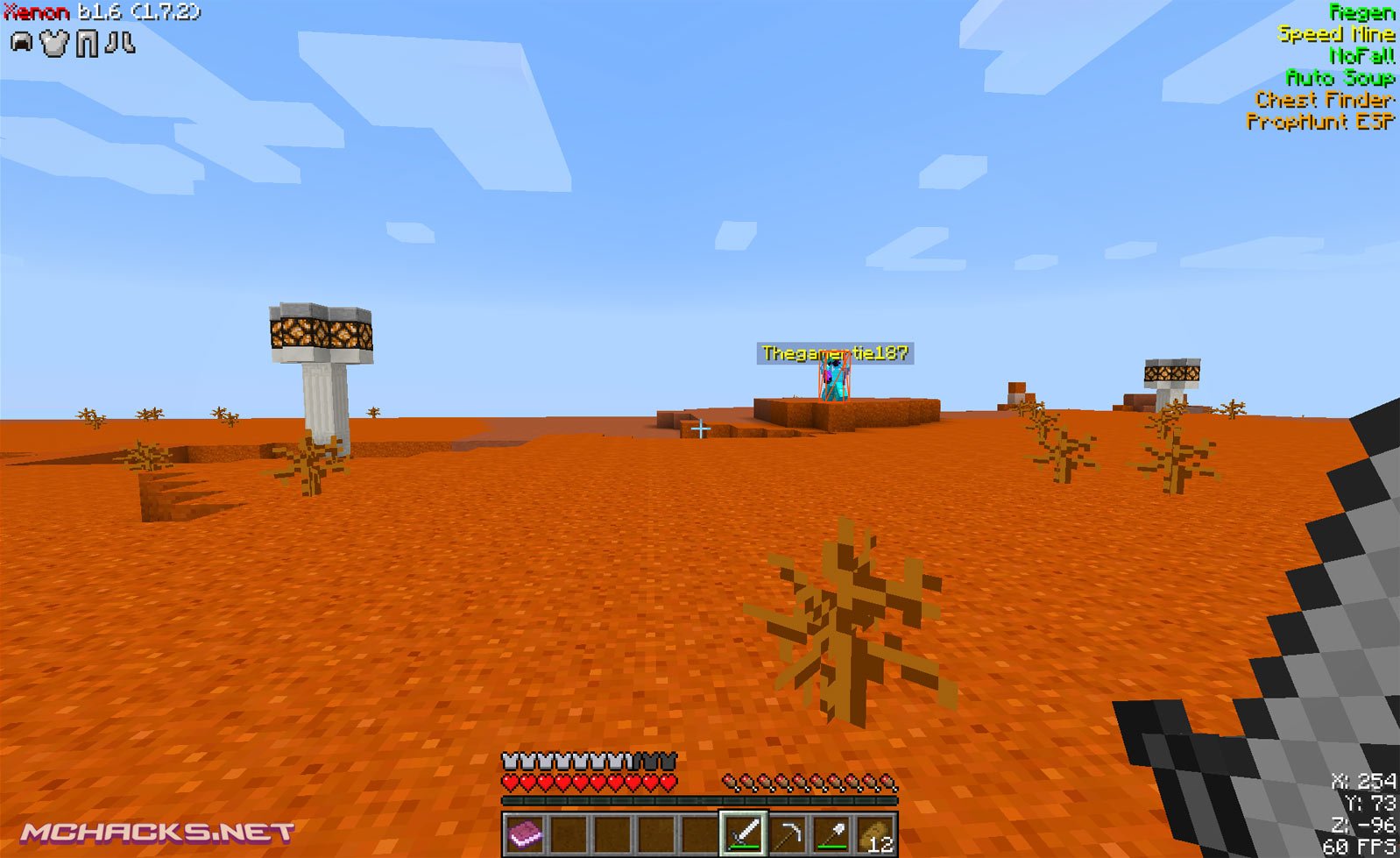
How to use
GUI / Menu = Right Shift
.help = help command
You can manage binds via the normal menu (Esc)
Player
- Regen
- NoFall
- Freecam
- Auto Soup
- Infinite Jump
- Auto Accept
- Auto Respawn
- Anti Cactus
World
- Fullbright
- Nuker
- FastPlace
- No Weather
- Xray
- Speed Mine
- Auto Fish
- Auto Farm
- Auto Tool
- No Water
- Auto Replace
- Survival Control
Render
- PropHunt ESP
- Chat
- Tracers
- Chest Finder
- LSD
- Player ESP
- Breadcrumb
- Search
- Status HUD
- Trajectories
- No Hurtcam
- Name Tags
Combat
- Kill Aura
- Bow Aimbot
- Criticals
- Safety
- Triggerbot
- Anti Knockback
Movement
- Flight / fly
- Sprint
- Auto Swim
- No Slowdown
- Phase
- Step
- Glide
- Water Walk
- Sneak
Modes
- Players
- Animals
- Hostile
- Invisible Players
- NoCheat
And lots of settings…
How to install Xenon Client for Minecraft
- Download and extract the zip file.
- Close Minecraft (if open).
- Navigate to the “%appdata%/.minecraft/versions” folder.
- Move the “Xenon” folder to your versions folder. The client folder should contain a jar and a json file.
- Start the Minecraft launcher.
- Click “New Profile”, set the “Use verison:” to “release Xenon“.
- Click “Save Profile”.
- Choose the newly created profile and start playing!
Download and use at your own risk. We do not create, nor host any clients, programs or downloads in general.
it doesnt work for 1.7.4
how to use this ? where will i put the file ??
xD U should read the desc, u just put it in the Versions folder, for example; Windows: Go to the search bar and type %appdata% and hit enter to find the .minecraft file. Mac: Figure it out urself, i dont have a mac. xD
put it in your versions folder in your .minecraft folder
+King Of Derp It Didnt Work For Me
+Nova Yes It Does But You Have to Figure It Out
+Tip+ It Dudnt Work For 1.3 :( Sucks for u Sky :P
:)
This is work for SMP?
OMG IT WORKED SO WELL IM BEATING UP PEOPLE IN PVP RIGHT NOW THANK YOU SO MUCH, AND PEOPLE, IT WORKS. NODUS DOESNT
Man u dont beat up ppl the mods does. get it
IT WORKS OF 1.7.4, MAN. ITS AWESOME
Cause it says 1.7.2 – 1.7.5
(From 1.7.2 To 1.7.5) Works
i can understund how i can download it ://
i need a little help plz !!!
THIS HACKING CLIENT IS EPIC! IT IS ACTUALLY ONE THAT WORKS!!!!! :D
NEED HELP: MEGA wont work for me. what do i do?
Does this still work?
yes
i dint even know how to use this
i dont no how to install it!
Ok its very simple to install it all you need to do is go into the zip file find the folder that just has the .jar and the other thingy in it then get that folder and find your .minecraft folder by going to %appdata% .minecraft then go to versions and after that put your folder that you have inside the versions folder and then load up minecraft select new profile and find the exeon thingy it should be in there if this doesn’t work tell me what happend
dont forget to delete System32
:I don’t show hack file
Sorry when i try to get past the adfly thing. it says
Error, you put something wrong (something like that)
Even when i put the correct answer!
i dont know how to install it how?
really hacks
just play the game like ur supposed too
why would you come on a hack’s page to say this?
really commenting on your own comment?
ikr hes such a noob.
he’s probably 9 years old and thinks no one can see his name
i hate idiots like this btw im about to download this xD
Jesus Christ, I completely this account and the forum existed. I appreciate you finding this and replying or else I would never have found my Disqus account. Lmao, I remember back in the good ol’ days when I didn’t know how to play games like minecraft and all that. Imagine needing cheats rather than getting good.
have some fun loser
there is no client folder to put the client in so there is no hacked client to click on when load my new profile
Yea same
Guys, all you do is you go to your .minecraft which is found with running %APPDATA% and go to Versions. Just drag the folder into that. Open Minecraft and select New Profile and in the versions should be Xenon. Select that and choose to run that version. The instal instructions are right below the pictures…
guys is any1 else getting weird popups after they download this? i keep getting the same weird popup with a goat when im playing minecraft & its creepy °—°
same 0-0
It says : Outdated client.Why ? -.-
I don’t have the .jar version folder Help!?
Wow man,work for me,,……thx
How do i install it ?
i really wanna have fun with this lol
because ive always wanted to hack
this is gonna be fun :)
I can’t find it on minecraft to put it in a new profile
MEGA… you HAD to choose MEGA! MEGA is the worst downloading site EVER!
its actually areound the best-
Does this let me become invisible?
tanks
I am playin mc with the cheat…..like a boss!!!!!
chimmeyswft you don’t need hacks I’ve seen your ep. the epic
does it work with mineshafter
Could you actualize this hack?
Ahmm i have a problem what i should do the file im gonna move with no extract or i gonna move the file then extract it?
Find the name of the .jar file, ignore the .jar on the end and to the versions folder. Make a folder with this name. Put both the EXTRACTED .json and .jar files in this folder.
Did this help?
nice
yeah i dont no
ok so i got it all downloaded and ready in my gaem but every time i press the button my entire gaem crashes??? how do i stop this?
how do you download it because the first step says to Download and extract the zip file
the version istnt coming up?
H0i. Well I Have Many QUestions. 1.How I Put A Hack 2.How I Use a Control D::::: Thats I have
stop cheat plz
Wtf. In screenshots theres auto farm. There is no auto farm when i opened it! pls pls help
Where is the auto farm
es demasiado bueno 10/10 hasta puedes cambiar con que activar las cosas y estan muy bien los hacks que tiene
Please make a PE version
Or an updated version
the MEGA website removed the file and the account the file was on? what now? how do i download this in 2020?