47 comments
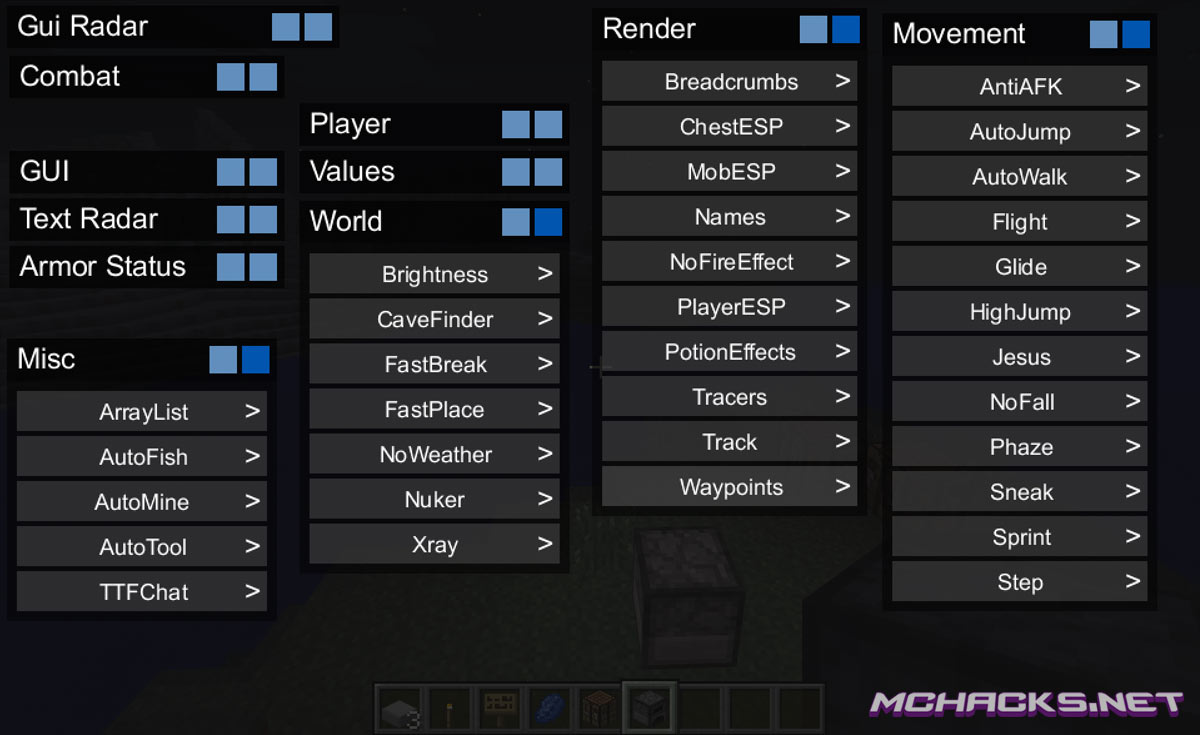
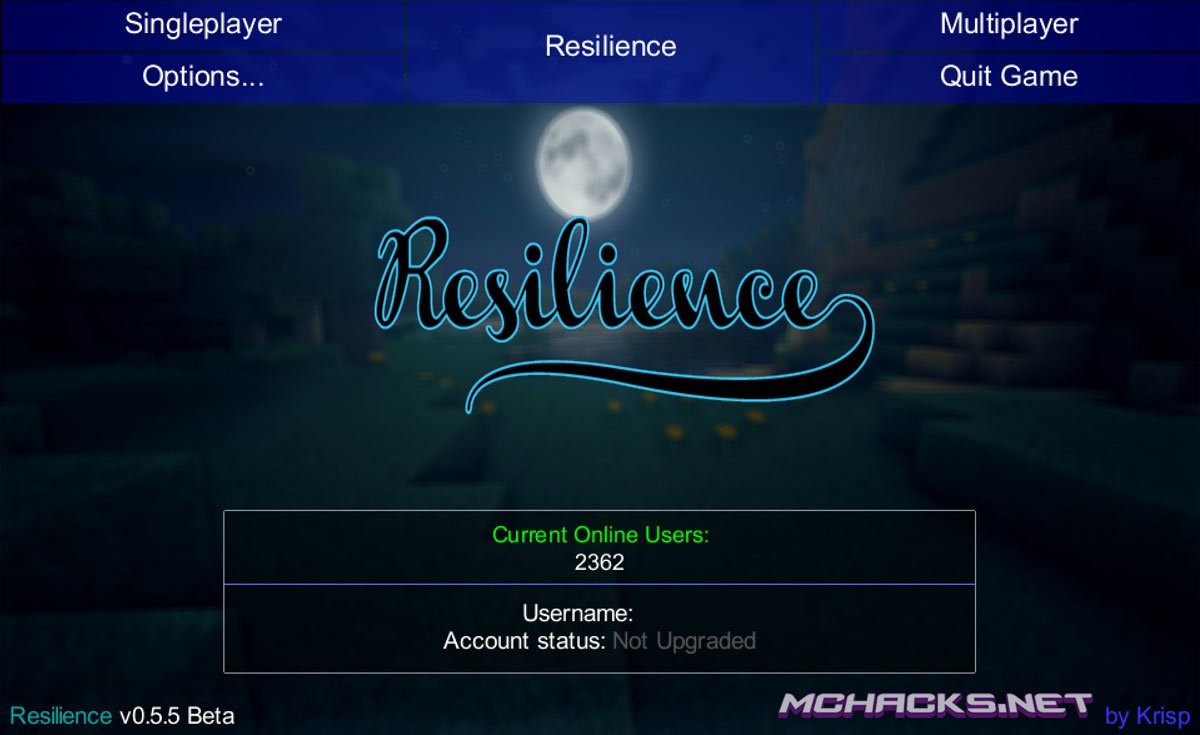
This sweet client comes pre-installed with OptiFine which improves a lot of the graphic aspects of Minecraft and gives you much more control of the graphic settings. Besides OptiFine this client is PACKED with great features – lots of PvP features, nuker, Xray, ESP and much more !
This client works in both multiplayer and singleplayer. But beware, using Minecraft hacks on servers may get you banned.
Keybinds:
Right Shift = GUI
- AutoBlock [NCP] – Automatically blocks when using Kill Aura.
- AutoDisconnect [NCP] – Auto quits at x hearts (default is 3 hearts).
- AutoFish [NCP] – Automatically pulls back line after fish bite and recasts.
- AutoJump [NCP] – Automatically jump.
- AutoSoup [NCP] – Automatically eats soup for you when your health gets low (KitPvP servers).
- AutoWalk [NCP] – Automatically walks for you.
- Breadcrumbs [NCP] – Draws a line behind you wherever you walk.
- Brightness [NCP] – Makes the world brighter.
- CaveFinder [NCP] – Shows where caves are.
- ChestESP [NCP] – Draws a box around chests.
- Fastbreak [NCP sorta] – Breaks blocks faster than usual and gets rid of the break delay.
- Fastplace [NCP] – Removes the right click delay.
- Flight – Allows you to fly.
- Freecam [NCP] – Allows you to walk outside of your body and go through walls to inspect other parts of a map.
- Glide [NCP] – Allows you to glide.
- Jesus – Allows you to walk on water.
- KillAura [NCP] – Automatically attacks entities.
- MobESP [NCP] – Draws a box around mobs. (Blue for passive, red for hostile)
- NameProtect [NCP] – Protects your name in the chat etc. by replacing it with your client name.
- Names [NCP] – Makes name tags larger, more distinct, and shows the player’s distance away as well as their current health.
- NCP stands for NoCheatPlus compatible. Not NoCheatPlus bypass. There’s a difference…
- NoFall – Prevents fall damage.
- NoKnockback [NCP] – Prevents knockback from anything. (Snowballs, players, fishing rods etc.)
- NoWeather [NCP] – Stops rain/storms on the client side.
- Nuker – Breaks blocks very very fast.
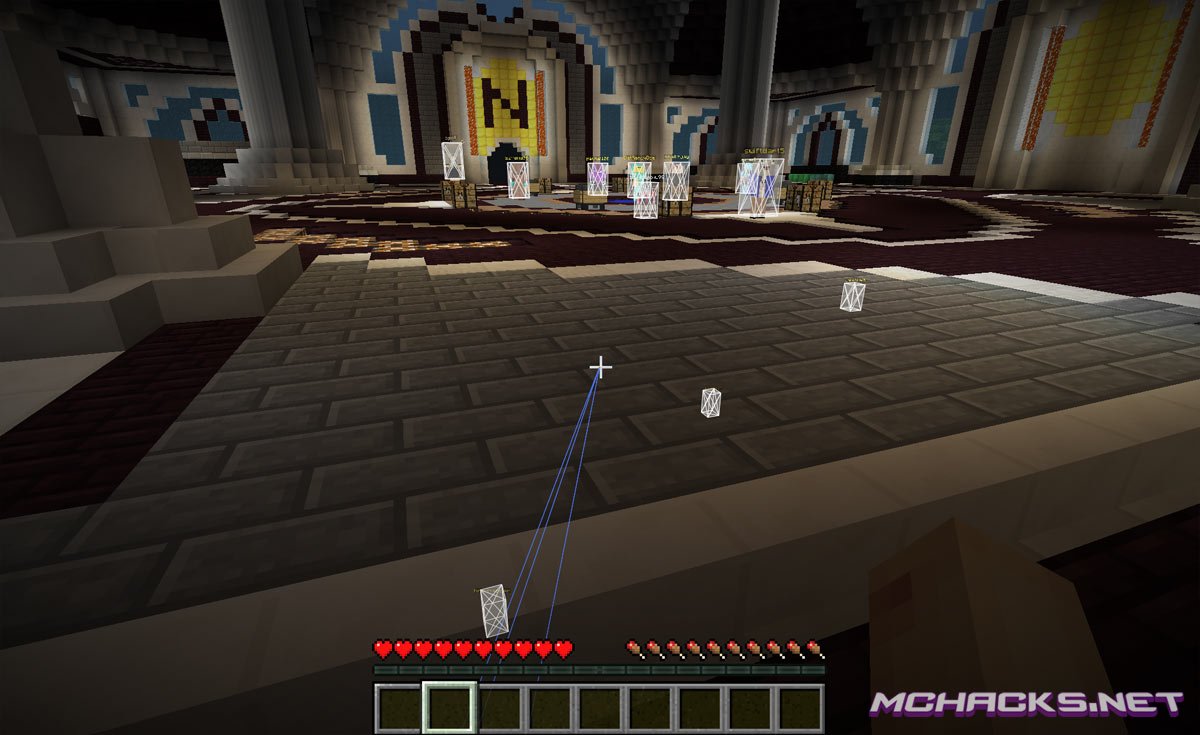
- PlayerESP [NCP] – Draws a box around players.
- Sneak [NCP] – Automatically sneaks for you.
- Sprint [NCP] – Automatically sprints for you.
- Tracers [NCP] – Draws a line to all loaded players.
- Track [NCP] – Draws a line or “breadcrumb” behind the selected player. (Set the player in the console or with chat commands)
- Waypoints [NCP] – Draws a box around the position and draws a tracer to the box. (Add them with the console or with chat commands)
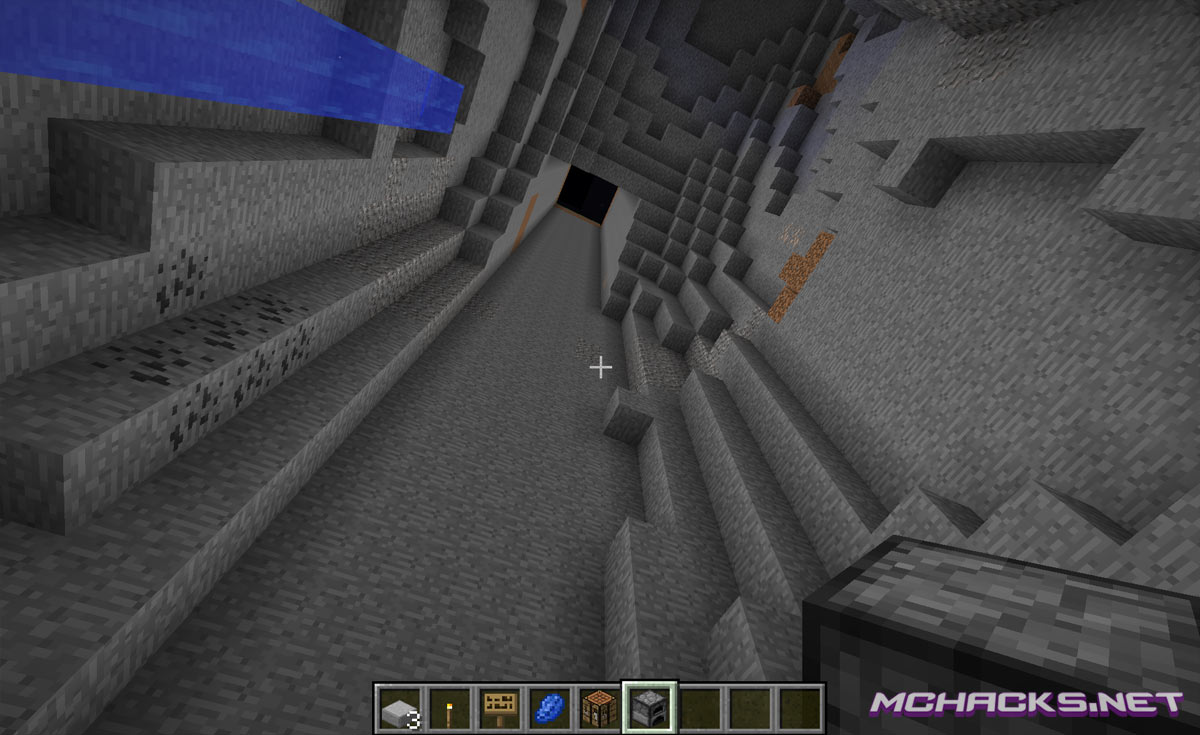
- Xray [NCP] – Allows you to see through blocks to find ores.
Screenshots of Resilience
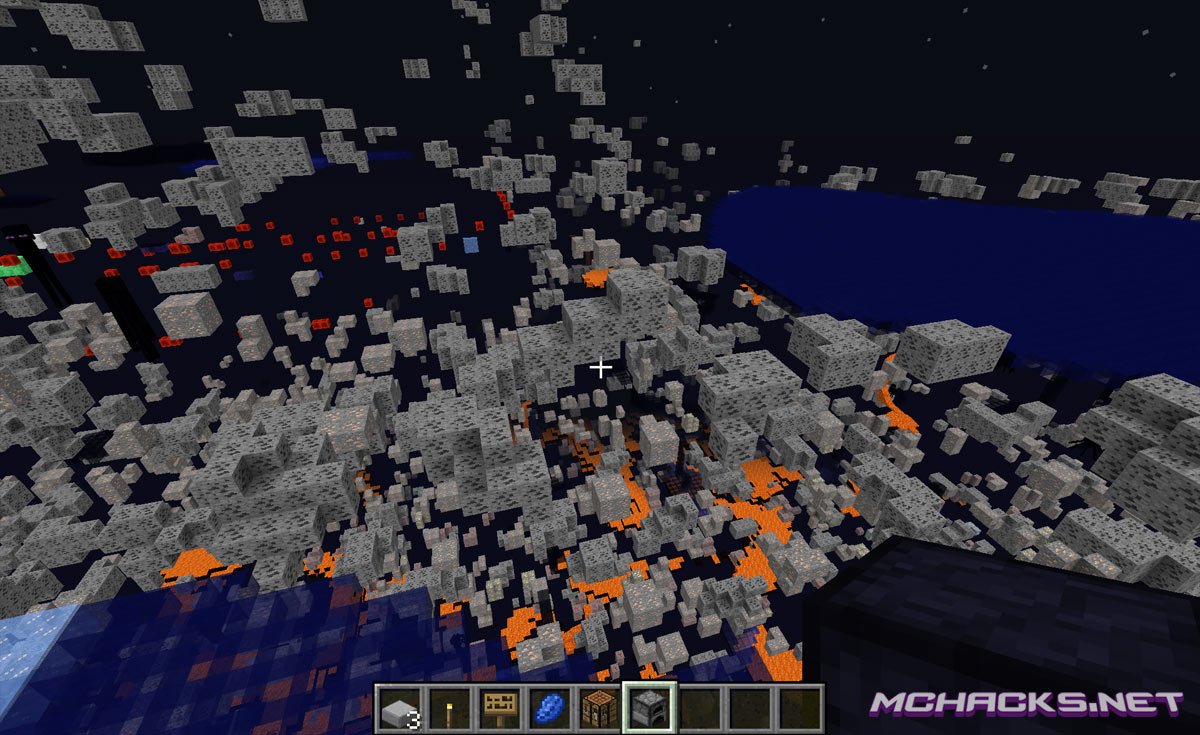
Client made by: Krisp
How to install Resilience for Minecraft:
- Download and extract the zip file.
- Close Minecraft (if open).
- Navigate to the “%appdata%/.minecraft/versions” folder.
- Move the “Client [version]” folder to your versions folder. The client folder should contain a jar and a json file.
- Start the Minecraft launcher.
- Click “New Profile”, set the “Use verison:” to “release Client [version]“.
- Click “Save Profile”.
- Choose the newly created profile and start playing!
OR:
- Run the installer.
Download Links
Download and use at your own risk. We do not create, nor host any clients, programs or downloads in general.
Is there a version without optifine?anything with optifine in it wont run on my computer
ITs not showing on my profiles
Go to the .minecraft folder then versions and paste the resilience folder there if theres al ready one there delete it then paste
if it doesnt show up click on the java file then install it worked 4 me
its epic trust me it works cus i got it
why cant i see diamonds
I have a problem; aurakill worked for like 2 days and now i doesn’t work.What can I do? I reinsatlled it and the same problem
hey
how do i use IRC
type “@” before your msg. Like “@ Hello world”
is there a download button for me to download it?
yes
its is the green box
I go into it and it there is a box saying tutorial and its not going away how do i get rid of it??
how come the list of my hacks that im using dont show up like when ur not in the gui/console plz tell me what i do to bring it back up the list on the top left
there should be two blue boxes (see the first image above) click both boxes and it will show after leaving the gui
:D
There should be a button above fast eat called “enabled mods”, enable that.
Can you install forge on this and use client side mods (inventory tweaks, for example)?
I use left shift to open GUI but, cant close it without disabbling, How to do it??
Press esc
How do I set an alias when you protect your name?
it protects others names not yours -__-
How do I set a name For name protect?
how do i download it
how you installed the
ok
hi
eweb JEBHKEJVBWUKQVGEWA
THENK YOU
I cant get the gui up when I click right shift and left shift
Budokka
budokkan
Where is the 1.8 version?
Where can we update it
if u wanna update it make ur own -__- he updates it if he wants
how do I DOWNLOAD THIS DUMB THING
HACK ONLY FOR NOOBS MY HACK IS OPENGL HUEHUEHEUEHUE
é isso ai choke nelas eahuehuehuehauheuheuhue opengl? Budokkan Detected!
YEAH!!!
what IRC
it wont work. i cant find the version
plz help
were is the download?
never mind
OMG DSIOIFDSNOIIOS
ITS CRAZY
OMG
The Bestttttttt !!!!! [Türklere Tavsiye Ederim]
this get no