Creator: Hypno/Schlap
New Minecraft hack for Minecraft 1.9 – the Protocol hacked client is out! Not many features by now, so you can say it is kind of a beta version – but at least it works for version 1.9.
Author note:
“If you crash while joining multiplayer, delete your servers.dat file (%appdata%/.minecraft/servers.dat). For some reason the old servers.dat make some games crash. Remember that crashing on some servers could also be connected to the current spigot version, as it is very buggy for 1.9 clients. Please note that this is an early release, many features are being put back in and changed in the future.” -hypnohacks
Screenshots
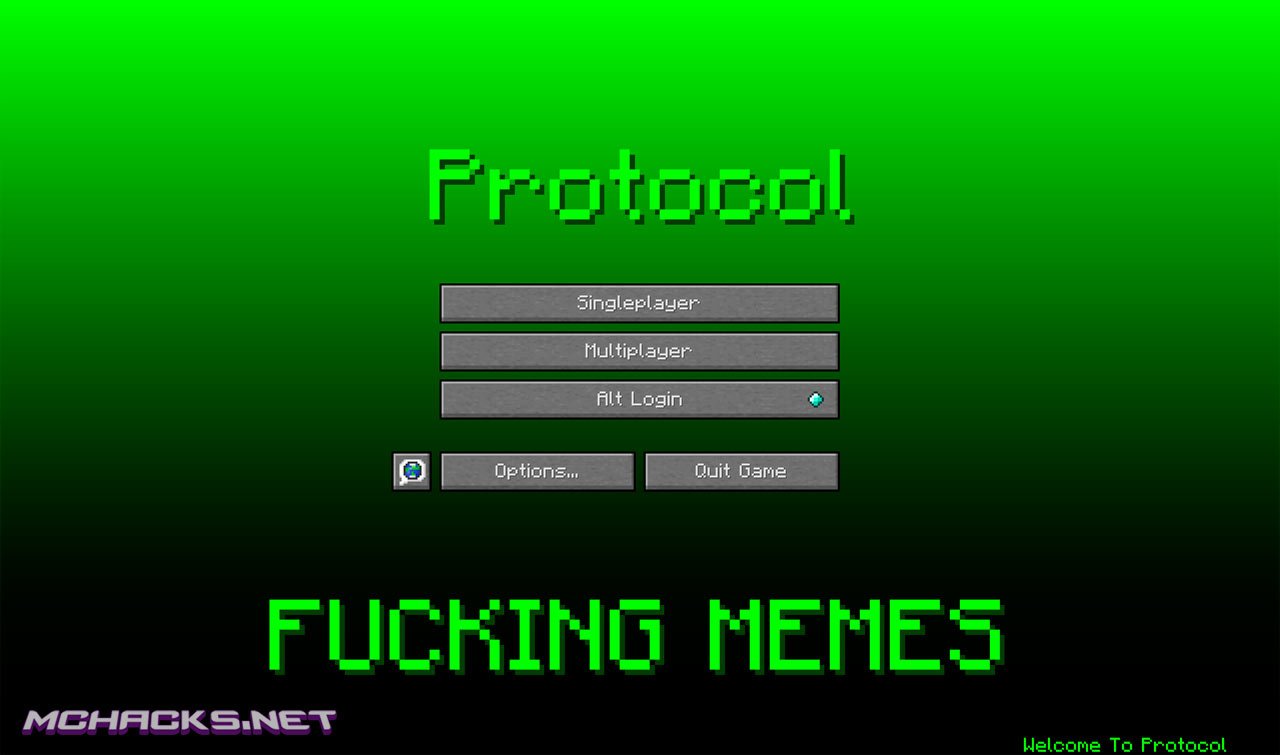
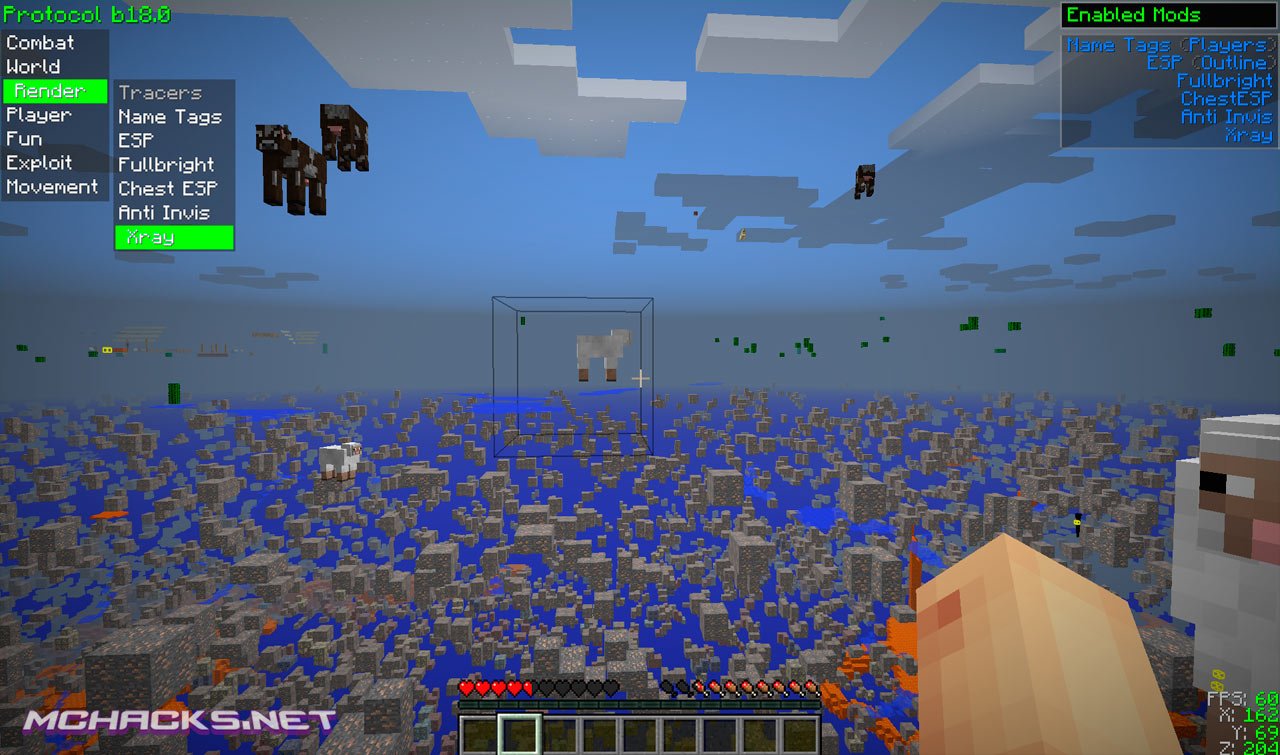
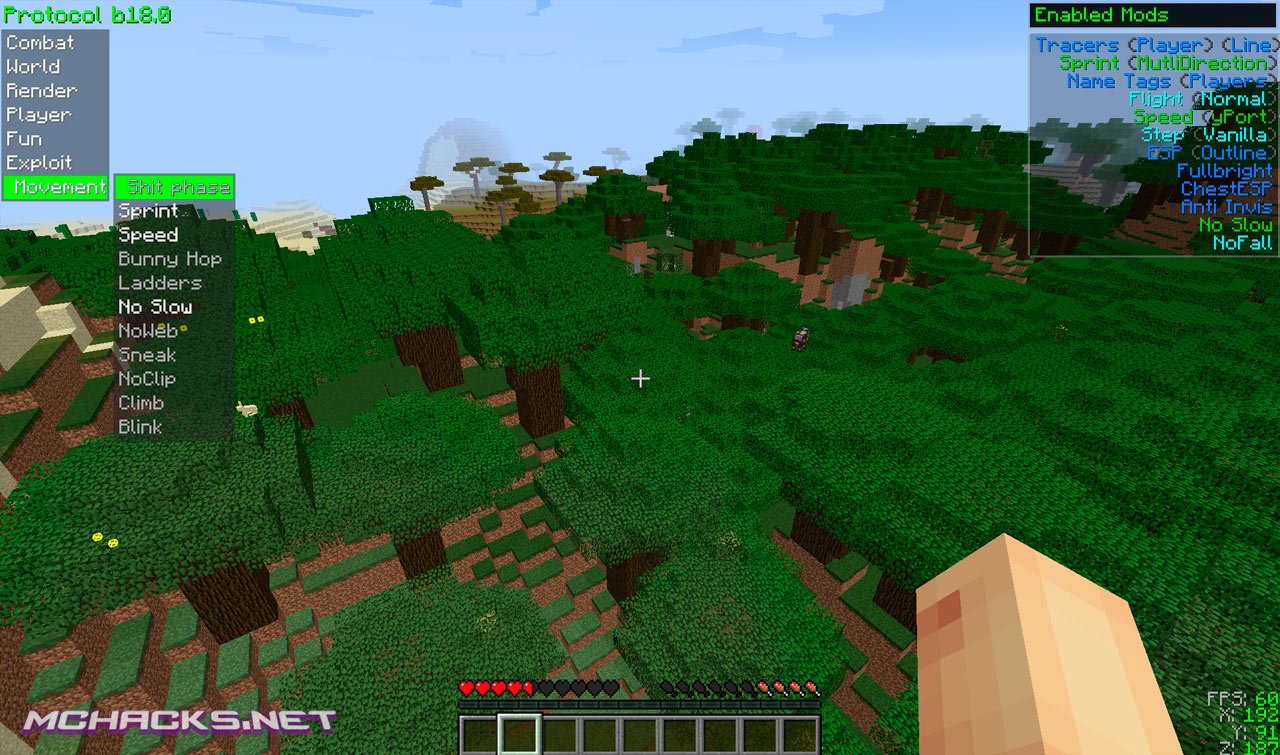
Features – Mods
Combat
- Super Knockback
- Velocity
- Kill Aura
- Regen
World
- Weather
- Nuker
- Timer
Render
- Tracers
- Name Tags
- ESP
- Fullbright
- Chest ESP
- Anti Invis
- Xray
Player
- Flight
- Sticky Player
- Step
- Jesus
- FastPlace
- Fast Eat
- Freecam
- No Push
- NoFall
Fun
- Hacker Detect
- Creative Drop
- Skin Blinker
- Headless
- Spin
- MCF
Exploits
- Potion Saver
- NoCheat+
- Mineplex
- InvMove
- No Turn
- Zoot
Movement
- Shit Phase
- Sprint
- Speed
- Bunny Hop
- Ladders
- No Slow
- NoWeb
- Sneak
- NoClip
- Climb
- Blink
How to use
Tab GUI = Arrow Keys
Click GUI (1.8.x only) = Right SHIFT
Help Menu = .help
Keybinds = .bind [mod] [key]
Commands
.help
.bind
.friend
.unbindall
Default keybinds
Aura: R
Flight: F
Step: L
Fastplace: P
Blink: C
Player ESP: [
Fullbright: B
Fasteat: I
Freecam: U
Anti Invis: Comma
Nofall: N
Sneak: Z
XRay: X
How to install
Windows Installation
- Download and extract the zip file.
- Close Minecraft (if open).
- Navigate to:
%appdata%\.minecraft\versions - Move the extracted Protocol folder to:
\versions - Open the Minecraft launcher.
- Click on “New Profile”.
- Settings:
- Profile Name: Protocol
- Use version: release Protocol
- Save Profile.
- Choose the newly created profile “Protocol″ and click “Play”.
Mac installation
- Download and extract the zip file.
- Close Minecraft (if open).
- Navigate to:
~Library/ApplicationSupport/minecraft/versions - Move the extracted Protocol folder to:
/versions - Open the Minecraft launcher.
- Click on “New Profile”.
- Settings:
- Profile Name: Protocol
- Use version: release Protocol
- Save Profile.
- Chose the newly created profile “Protocol″ and click “Play”.
Linux Installation
- Download and extract the zip file.
- Close Minecraft (if open).
- Navigate to:
\Home\.minecraft\versions - Move the extracted Protocol folder to:
\versions - Open the Minecraft launcher.
- Click on “New Profile”.
- Settings:
- Profile Name: Protocol
- Use version: release Protocol
- Save Profile.
- Chose the newly created profile “Protocol” and click “Play”.
Video about Protocol 1.9
can you add a invisible button so players can turn invisible, and add a name disguiser where it disguises you name but not permanently like when you talk it will say someone else is talking when it is really you and like make it so you can disguise yourself as someone else.
That isn’t realy possible, Java coding and anti-hacking systems prevent that.
yes it is wolfram can do that
rlly, i will be happy to send me a video of that ever happening. proof pls
i cant send a video but i can send a screenshot of wolfram hiding ur name
if u wanna be invisible make a blank skin and wear it
The only problem I have it that you cant change the Tab GUI keys. I use my arrow keys to move which makes this unusable. It would be cool if you would change them to something none of us really use like the F keys. Other wise good mod
Forgot one thing…..IT CONSTANTLY CRASHES MC
If you crash while joining multiplayer, delete your servers.dat file (%appdata%/.minecraft/servers.dat).
Thanks Toby
I still cant join i deleted server.dat whenever i try to join a server again i crash
how do you do that with mac
Doesnt even work on minecraft realms…
Yeah still crashes even after a complete reinstall, unfortunately this is a failure – Sorry
yea it crashes for me too
I reccomend going over the client’s java coding in the single player as well as in the GUI navigation, i recommend redoning this area, The script seems to be to large for quick running, therefore crashing the game.
This works perfectly for me… best one out there atm. I dont know why its getting dis-ed….
regen is broken.
>:0
the region doesn’t work please fix!
were do u download it from
Someone Please Tell Me The Way To Make Servers Work! I Deleted servers.dat and everything, please help
Hi I’ve tryed starting the game up over a dozen times and it wont load
Heres the crash report if someone knows whats up
java.lang.NoClassDefFoundError: java/nio/file/Paths
at me.protocol_client.files.FileUtils.readFile(FileUtils.java:21)
at me.protocol_client.files.allfiles.Keybinds.setupBinds(Keybinds.java:31)
at me.protocol_client.Protocol.register(Protocol.java:201)
at net.minecraft.client.Minecraft.startGame(Minecraft.java:599)
at net.minecraft.client.Minecraft.run(Minecraft.java:434)
at net.minecraft.client.main.Main.main(Main.java:115)
Caused by: java.lang.ClassNotFoundException: java.nio.file.Paths
at java.net.URLClassLoader$1.run(URLClassLoader.java:202)
at java.security.AccessController.doPrivileged(Native Method)
at java.net.URLClassLoader.findClass(URLClassLoader.java:190)
at java.lang.ClassLoader.loadClass(ClassLoader.java:306)
at sun.misc.Launcher$AppClassLoader.loadClass(Launcher.java:301)
at java.lang.ClassLoader.loadClass(ClassLoader.java:247)
… 6 more