42 comments
Creator: Paxi66
Creator: Paxi66
Matix is one of the first hacked clients to be updated for Minecraft 1.9. The filesize has been reduced much, but it comes with less features/mods that previous version. This is only in beta version so far, so there might be coming an update soon!
However most features you might want for kit PvP, survival or factions are in this client. You have ESP, wallhack, aimbot, triggerbot and KillAura but it lacks features for building in generel (like X-ray).
Media
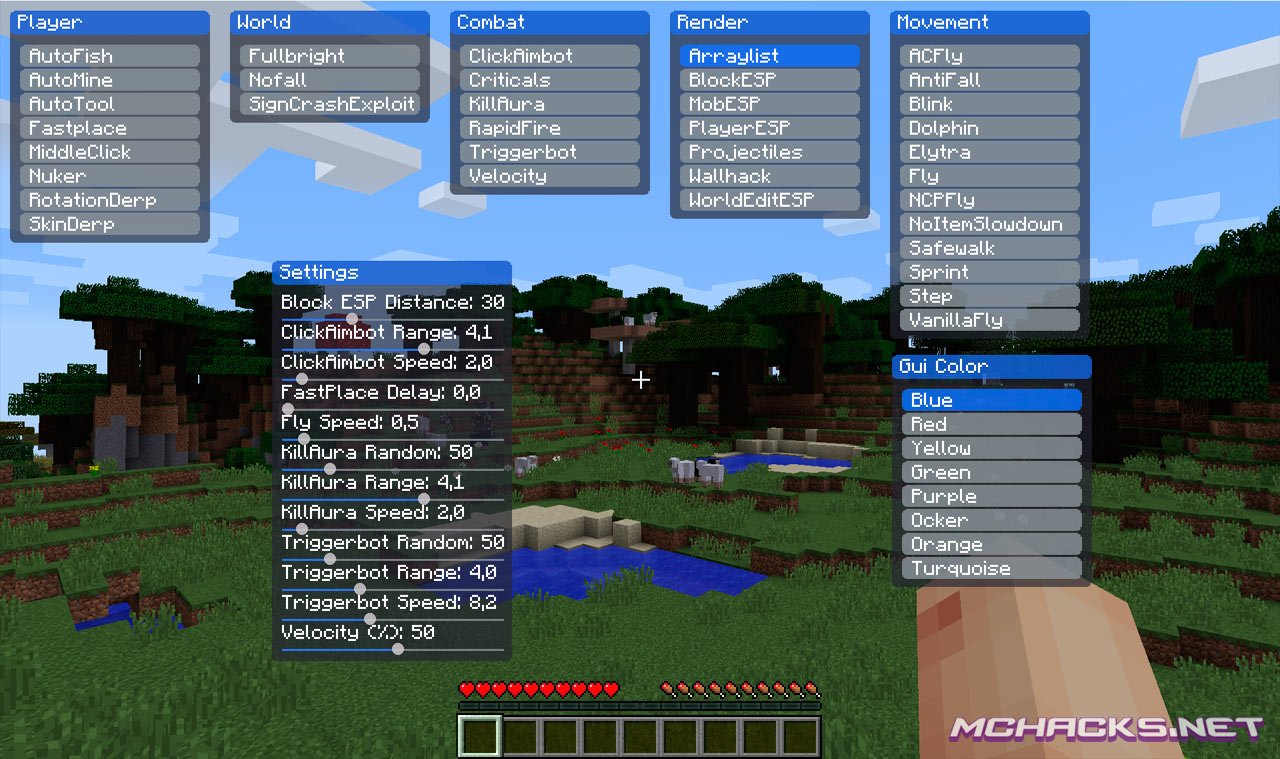
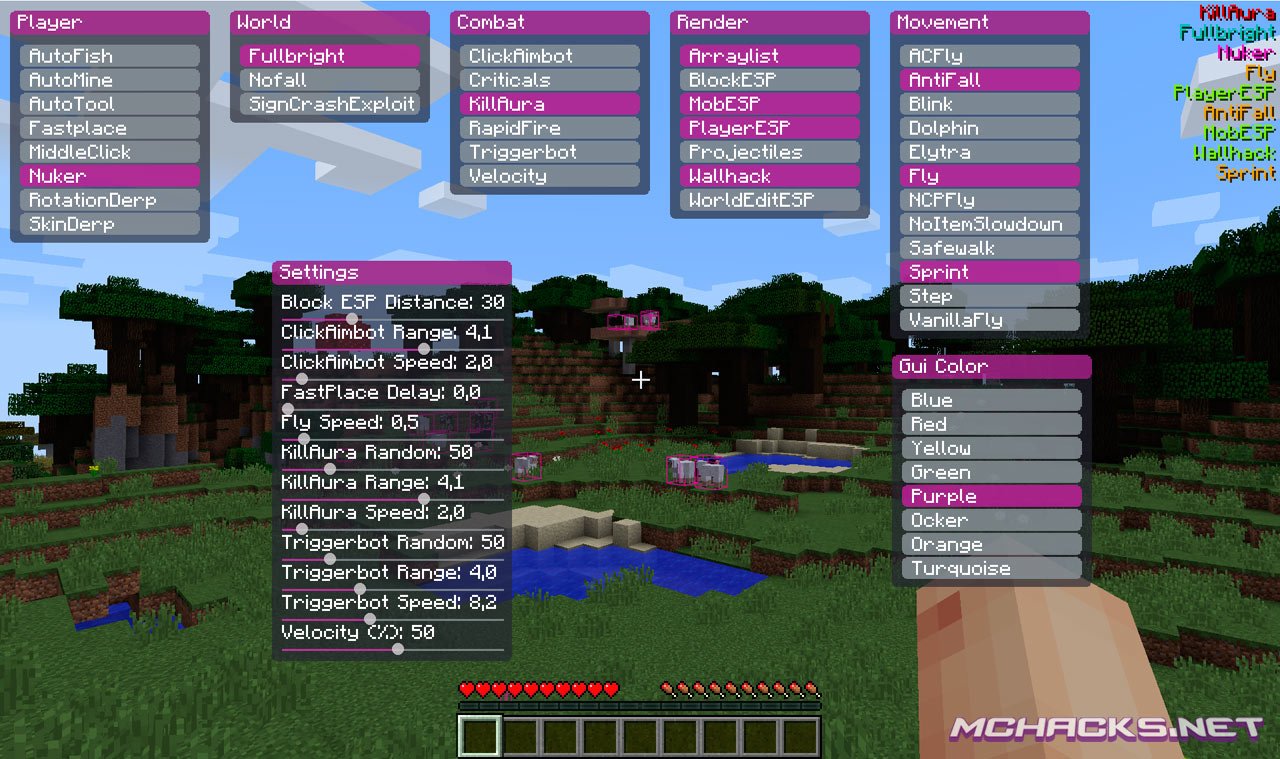
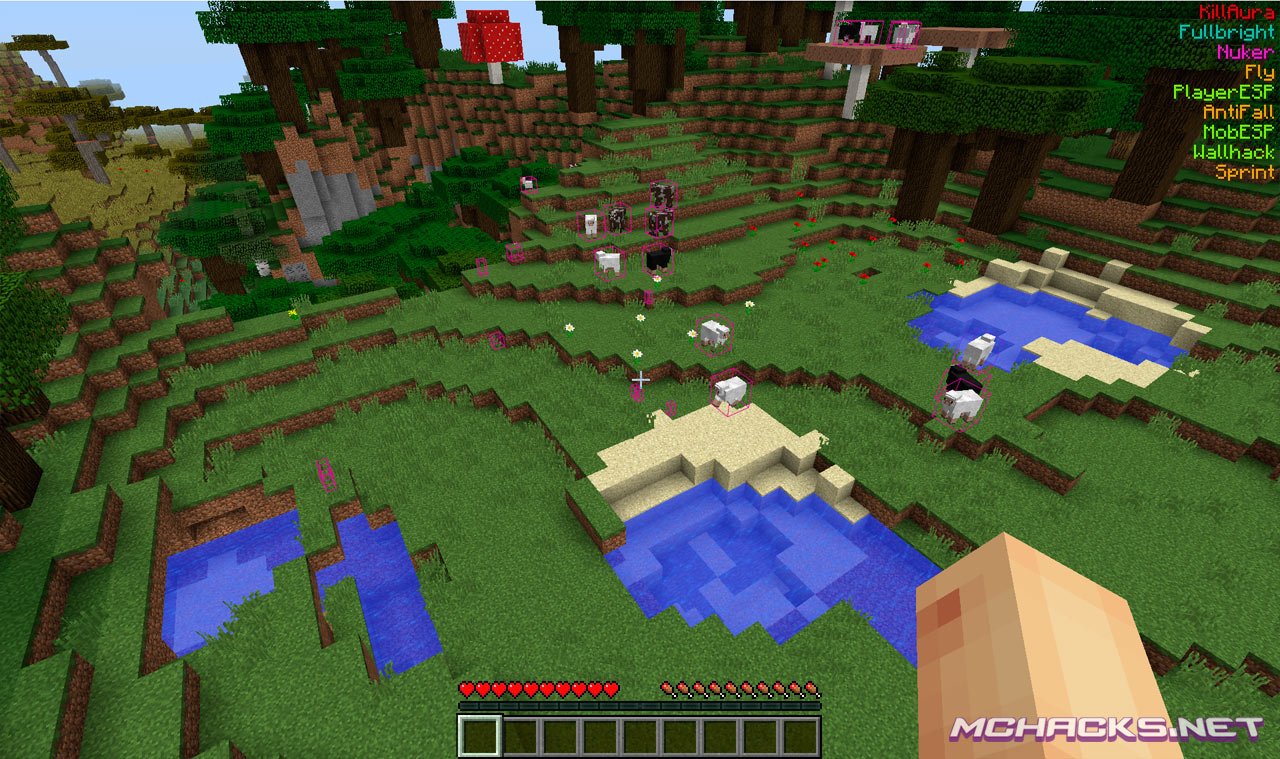
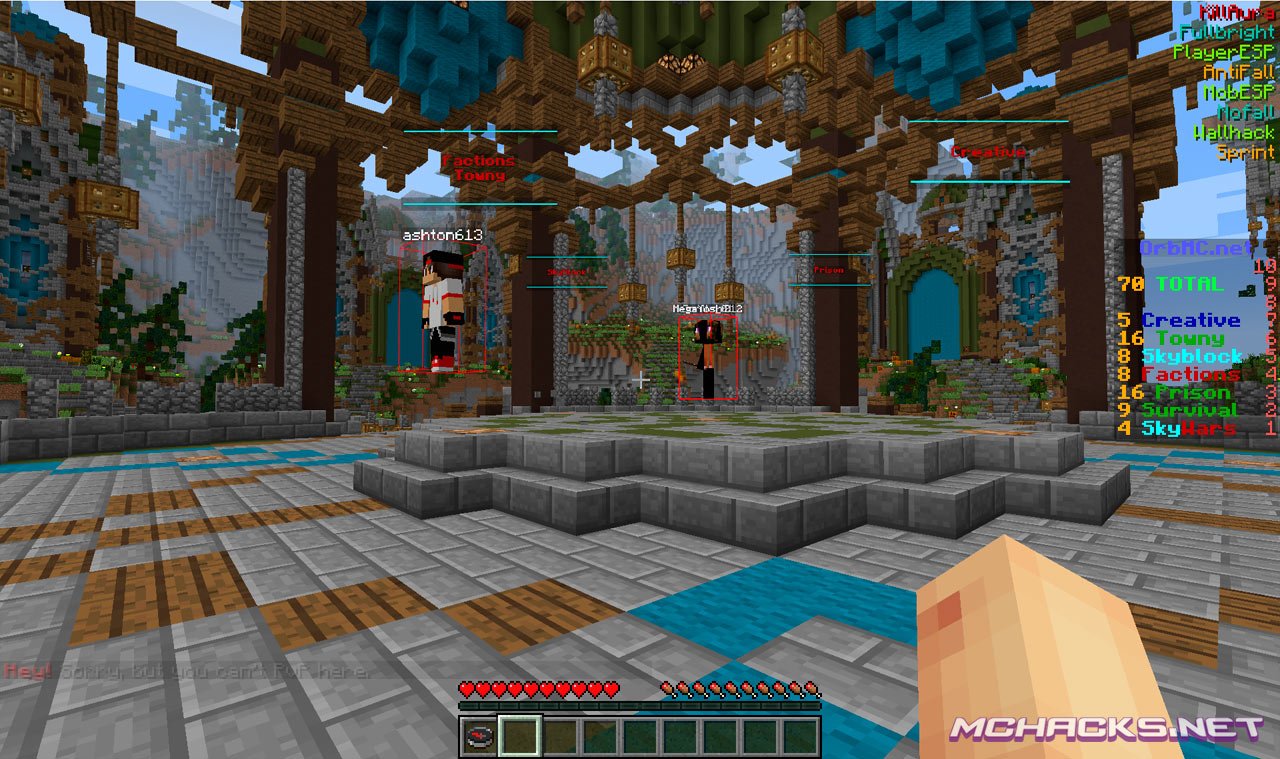
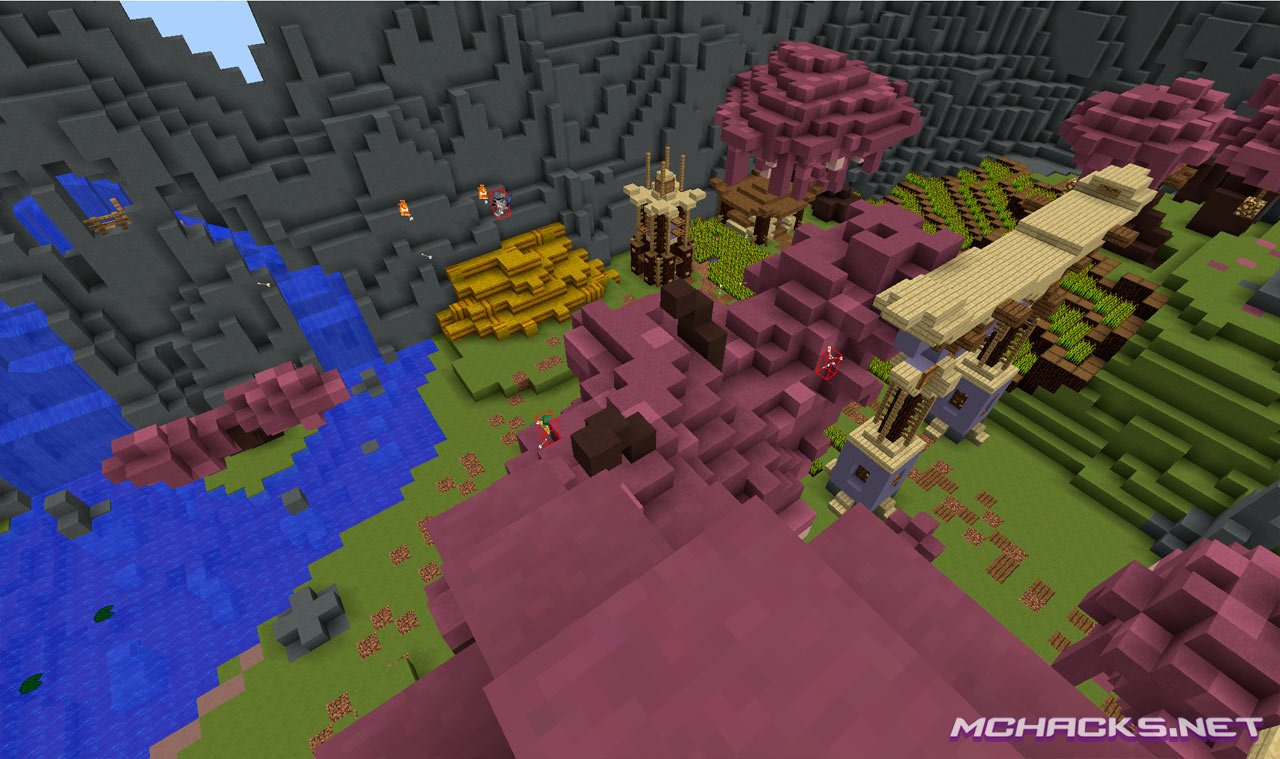
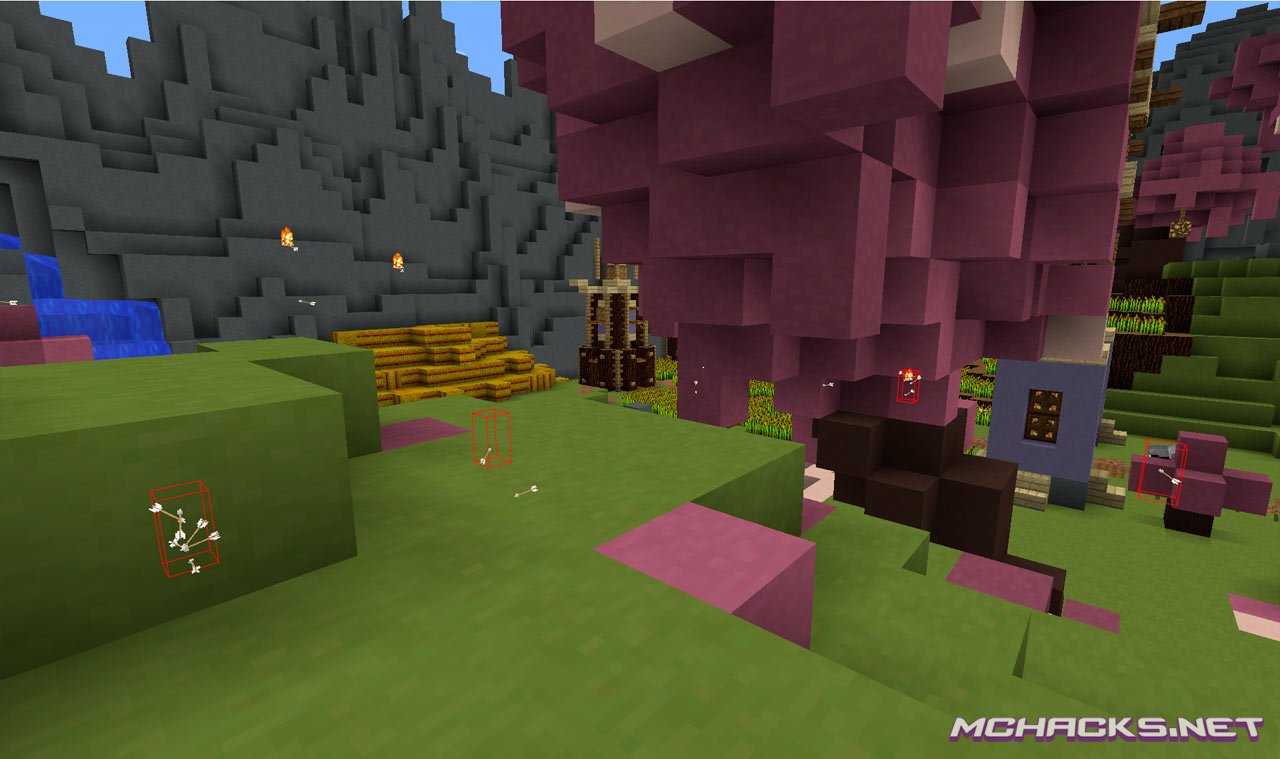
Features / mods / cheats
Player
- AutoFish
- AutoMine
- AutoTool
- FastPlace
- MiddleClick
- Nuker
- RotationDerp
- SkinDerp
World
- Fullbright
- NoFall
- SignCrashExploit
Combat
- ClickAimbot
- Criticals
- KillAura
- RapidFire
- Triggerbot
- Velocity
Render
- Arraylist
- BlockESP
- MobESP
- PlayerESP
- Projectiles
- Wallhack
- WorldEditESP
Movement
- ACFly
- AntiFall
- Blink
- Dolphin
- Elytra
- Fly
- NCPFly
- NoItemSlowdown
- SafeWalk
- Sprint
- Step
- VanillaFly
GUI Color
- Blue, red, yellow, green, purple, ocker, orange, turquuoise
Settings
- Block ESP distance
- ClickAimbot range
- ClickAimbot speed
- FastPlace delay
- Fly speed
- KillAura random
- KillAura range
- KillAura speed
- Triggerbot random
- Triggerbot range
- Triggerbot speed
- Velocity (%)
How to use
Cheat GUI = Right Shift
Keybinds = #key gui
Help Menu = #help
Virus scan
How to install Matix
Windows Installation
- Download and extract the zip file.
- Close Minecraft (if open).
- Navigate to:
%appdata%\.minecraft\versions - You might have to rename the folder to Matix1.9.
- Move the extracted Matix1.9 folder to:
\versions - Open the Minecraft launcher.
- Click on “New Profile”.
- Settings:
- Profile Name: Matix
- Use version: release Matix1.9
- Save Profile.
- Choose the newly created profile “Matix″ and click “Play”.
Mac installation
- Download and extract the zip file.
- Close Minecraft (if open).
- Navigate to:
~Library/ApplicationSupport/minecraft/versions - You might have to rename the folder to Matix1.9.
- Move the extracted Matix1.9 folder to:
/versions - Open the Minecraft launcher.
- Click on “New Profile”.
- Settings:
- Profile Name: Matix
- Use version: release Matix1.9
- Save Profile.
- Chose the newly created profile “Matix″ and click “Play”.
Linux Installation
- Download and extract the zip file.
- Close Minecraft (if open).
- Navigate to:
\Home\.minecraft\versions - You might have to rename the folder to Matix1.9.
- Move the extracted Matix1.9 folder to:
\versions - Open the Minecraft launcher.
- Click on “New Profile”.
- Settings:
- Profile Name: Matix
- Use version: release Matix1.9
- Save Profile.
- Chose the newly created profile “Matix” and click “Play”.
Download and use at your own risk. We do not create, nor host any clients, programs or downloads in general.
666
don’t have man ?
Why I play the server crash
how do I install this? there are 2 different files in the .zip
where is the install button
It works for me, the only problem is the settings module. It worked yesterday, now it’s now showing up. I’ve tried deleting it and reinstalling it multiple times, yet it doesn’t work.
Not a really good hack, there is no xray, but that’s not the reason why it’s not all that good. When you compare this to other hacks, this falls shot of mods by about 85% the others have way more mods
Well wallhack is pretty much xray //shot
what is block esp xDD or like how do i set it
whats the link to download
Automine doesn’t seem to work even if i attack once
how to instal optifine with it ?
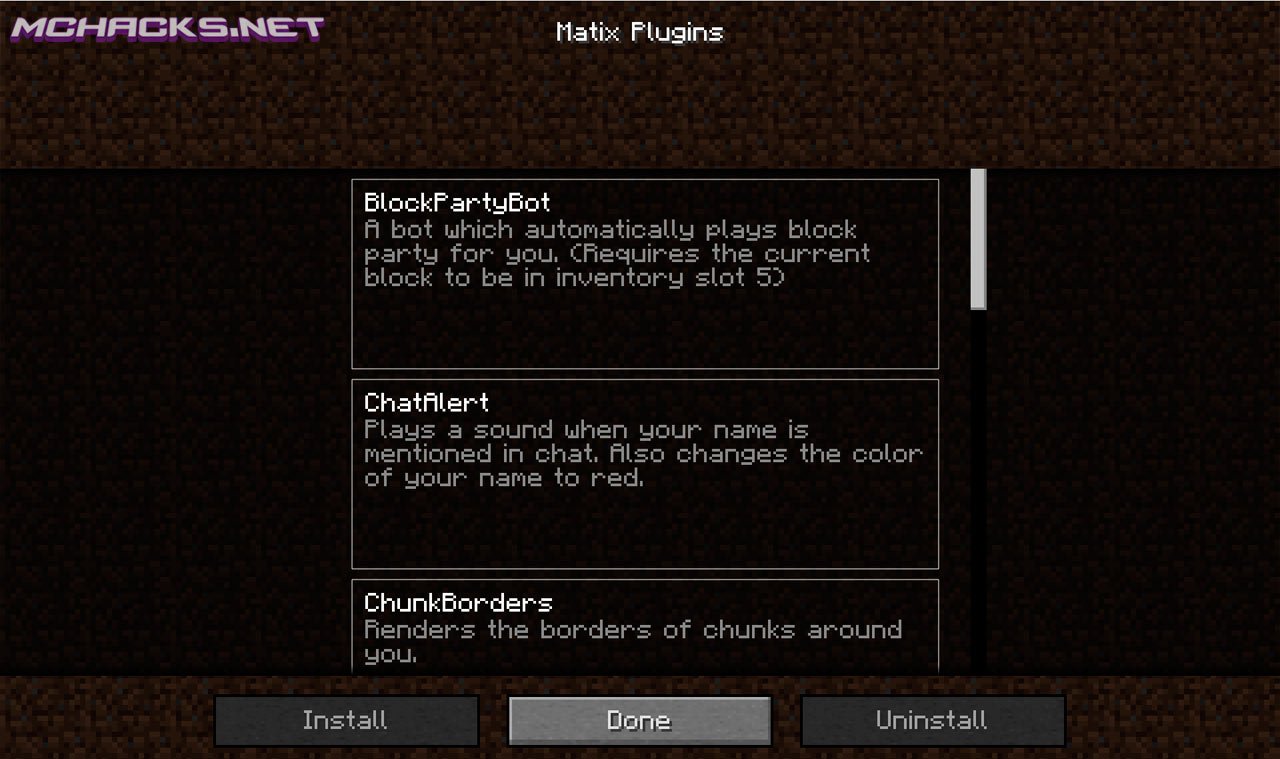
How do I get the BlockPartyBot plugin??
So, after attempts with both of the mods, it said “A Java Exception Occurred.” I did this for both mods, and the same thing happened. Anyone know how to fix this?
where’s the download link?
Where’s the download link? please i want to download it!
password please
hey!
Installed ok, but it doesn’t show anything when you select ClickAimbot. How can you use Aimbot?
Ok, so aimbot is basically a red line. And so far (unless I’m not using it right), it’s less accurate than if I just use the crosshairs. I rate it “lamebot”.
ya yo right lol
where do you put the files? into .minecraft?
put them into versions
Go to .minecraft then go into versions and put the files there.
GAH! How do you use the macros function of it??!
Can I use this with mac 10.6.8? I dont know what java I have, if I even have it.
Update your damn OS
The combat, movement, and render tabs won’t open
If you don’t even know how to take a screenshot without pulling out your phone, you don’t need a hacked client.
I was using my phone to see if anybody else was having this problem so I could fix it on the spot instead of going back and fourth on my computer.
You need plugins
it works perfect for me! :)
I’m also surprised the rapid fire works lol.
Can I remove these hacks afterward?
Hello
how do u change keybinds cuz killaura is at a horrible key spot
Tiene un problema, NO habeis puesto la opcion de poder atacar invisibles con el kill aura, por favor ponedlo en una futura version.
Have a problem, NO ye have the option to attack the kill invisible aura , please put it in a future release
how do u download it
how to use clickaimbot?
you download by clicking the links in the purple box
Use the old link because the new one doesnt work anymore!