14 comments
Creator: AWITFC
Creator: AWITFC
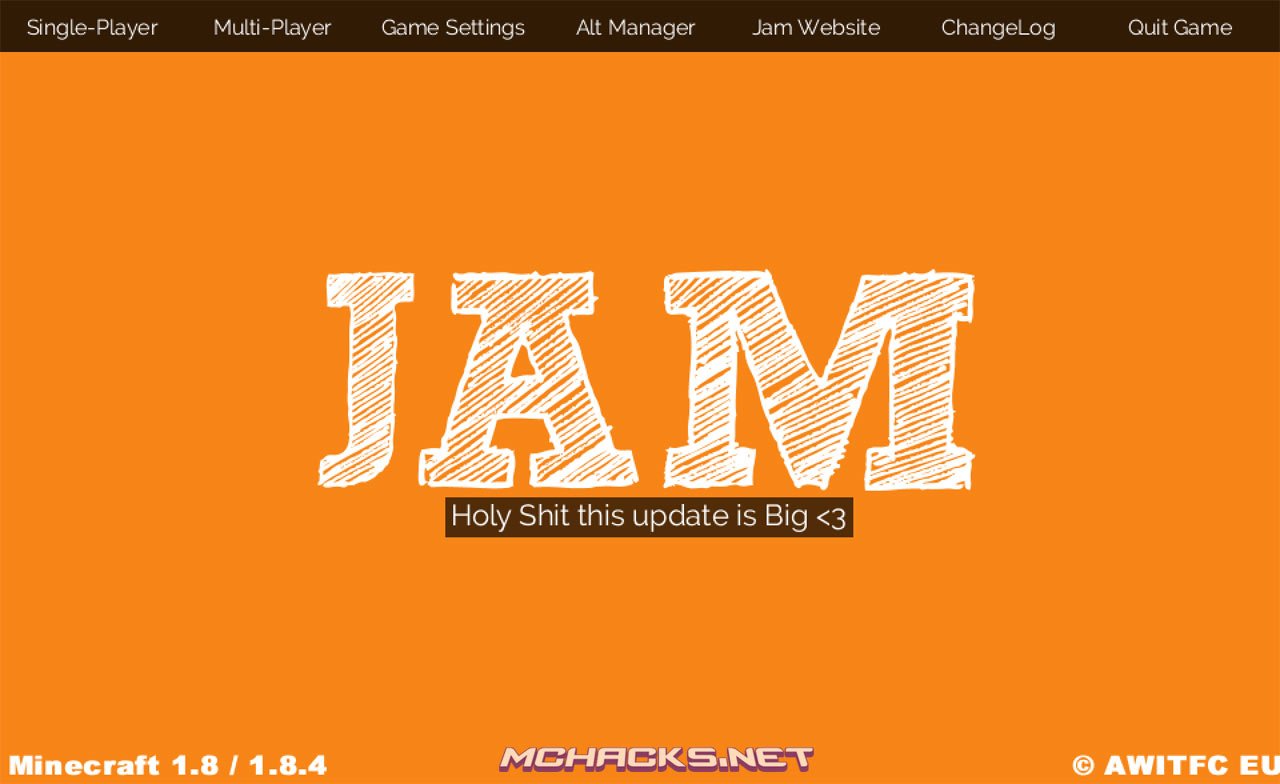
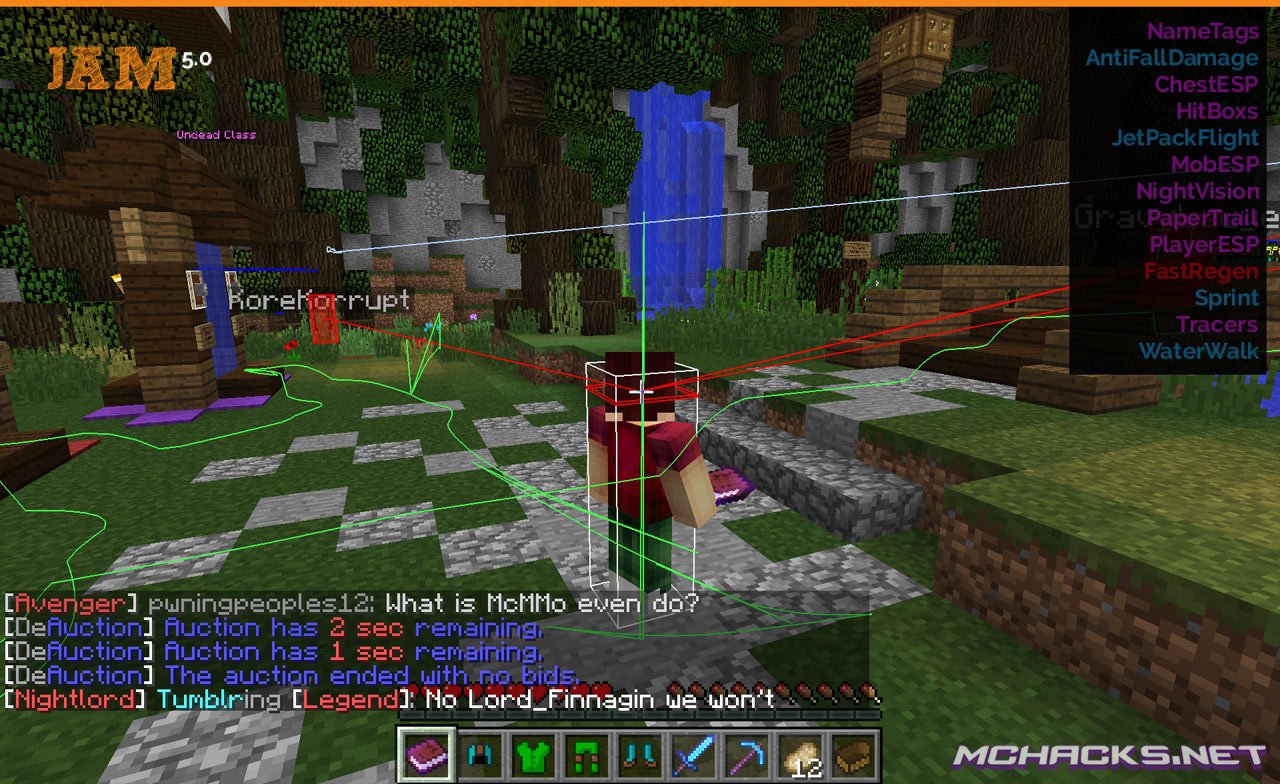
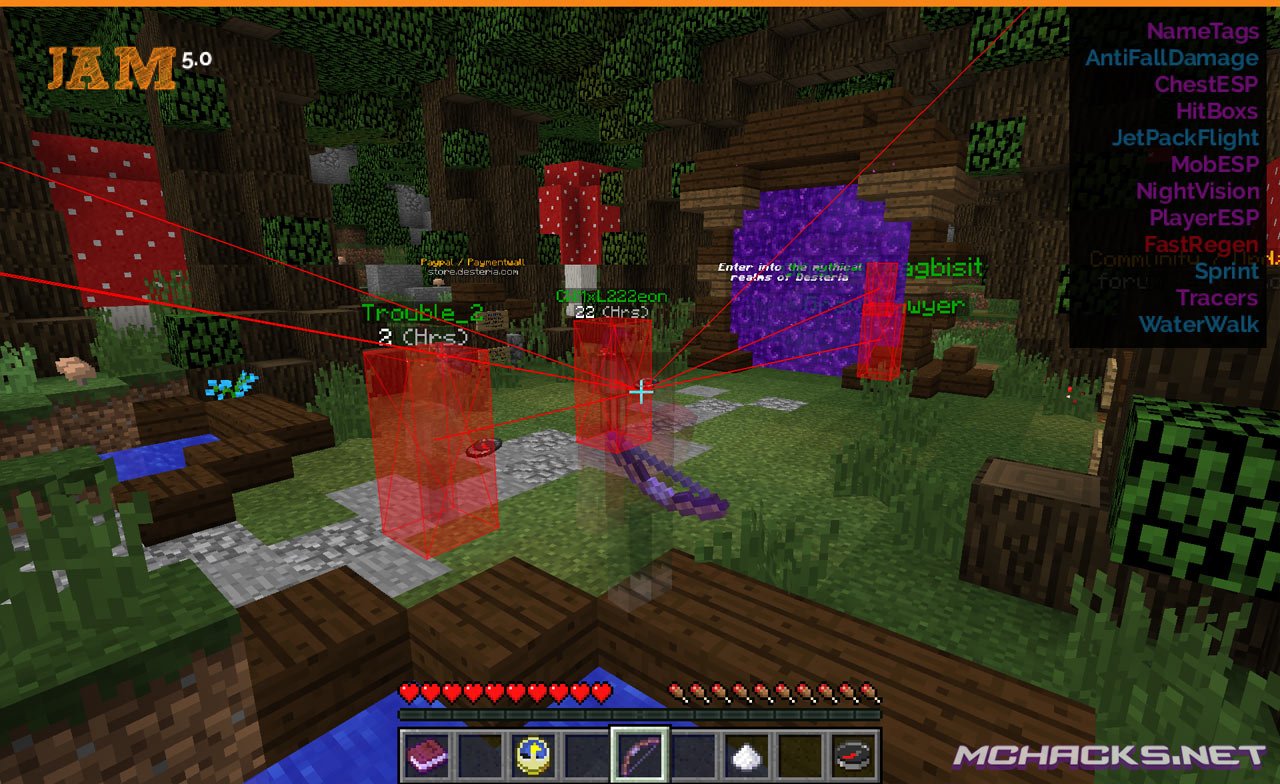
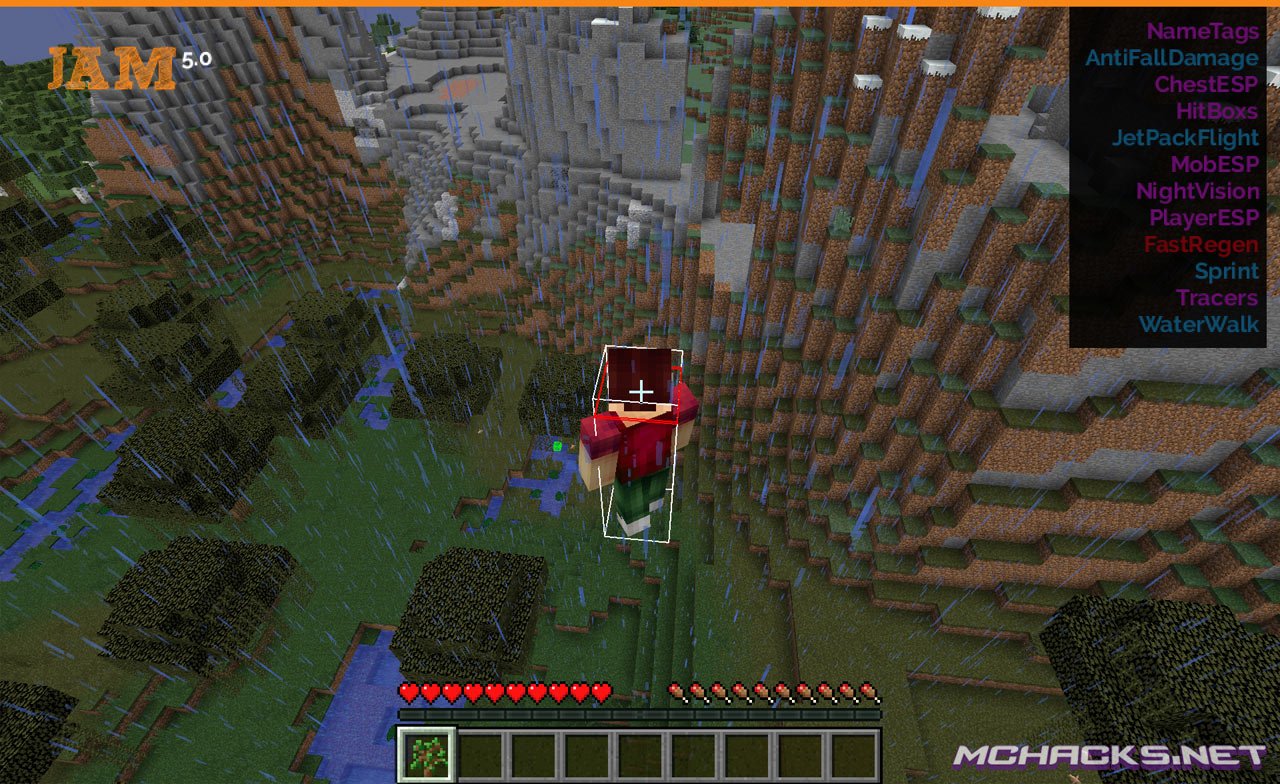
JAM is a modded client for Minecraft with many great features.
You know the deal… Lots of mods, multi-OS support, works for the latest version of Minecraft. Combat mods for PvP, world/render mods for building, etc. Alt manager for multiple user support.
Screenshots
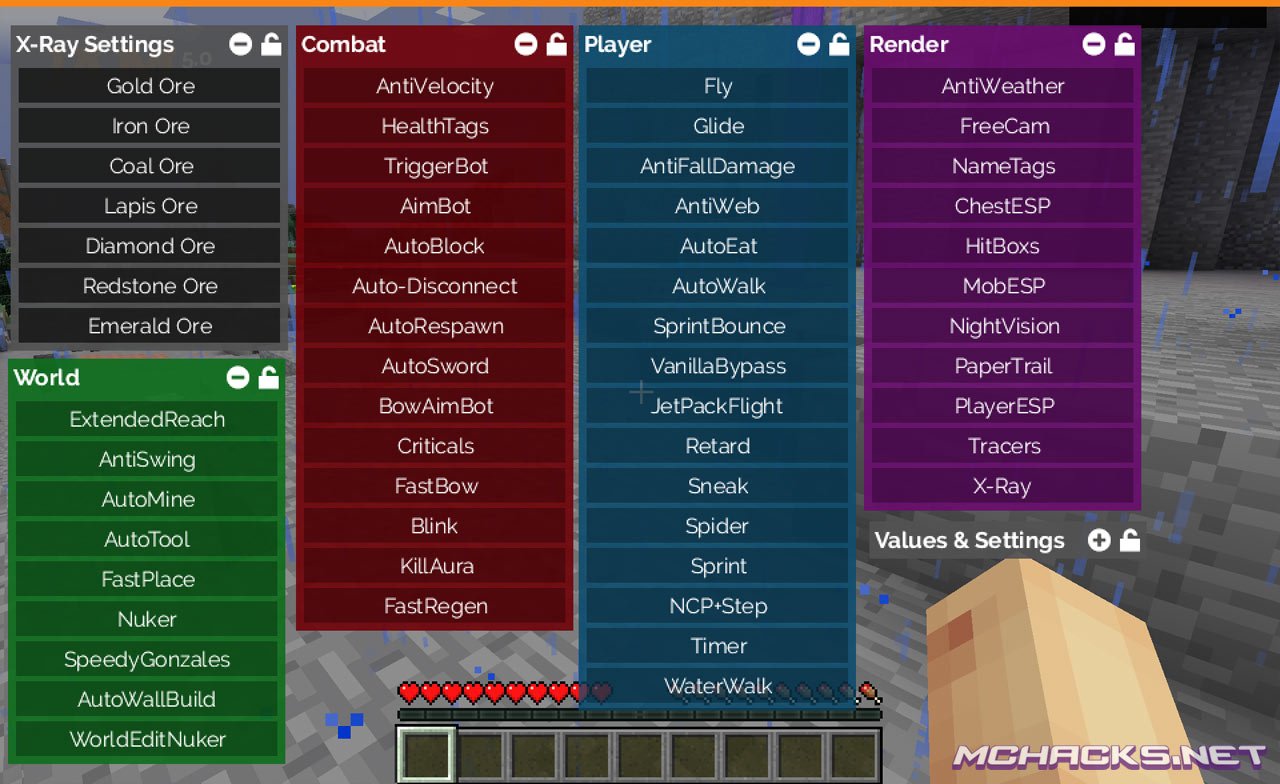
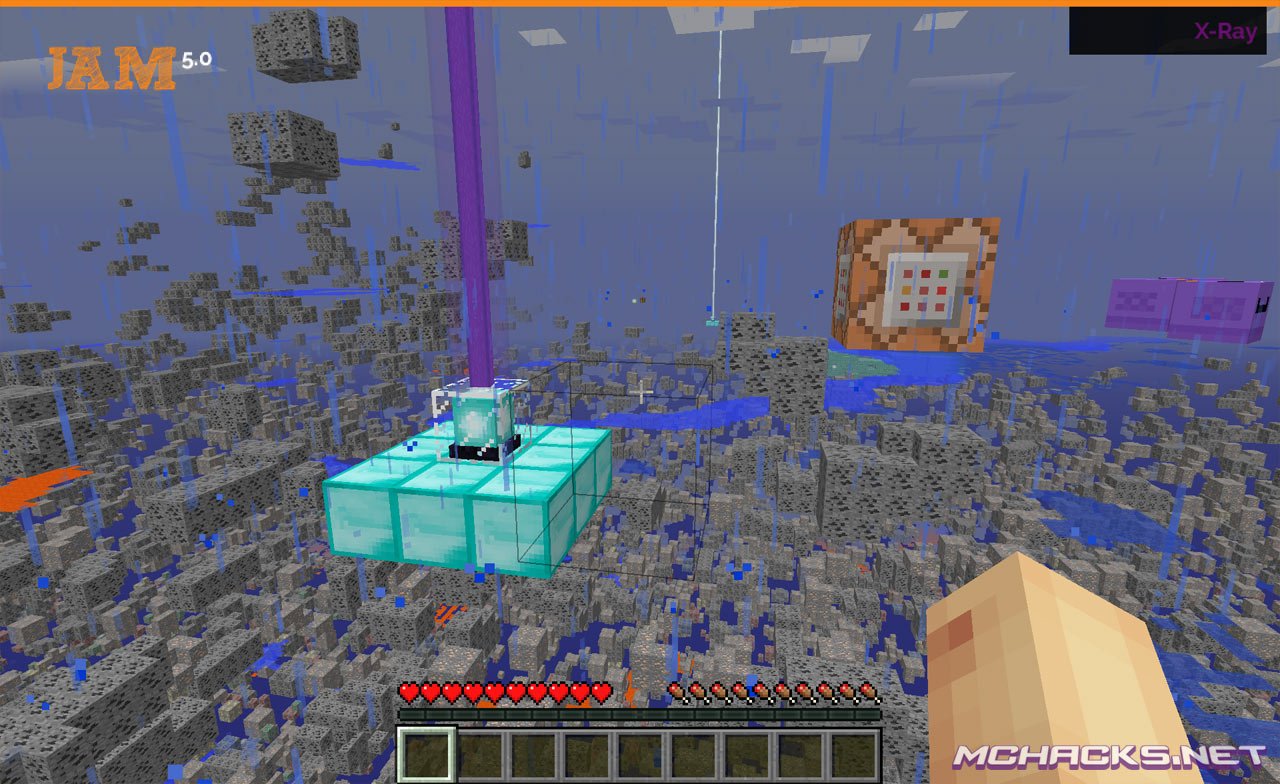
X-ray settings
- Gold ore
- Iron ore
- Coal ore
- Lapis ore
- Diamond ore
- Redstone ore
- Emerald ore
World
- Extended reach
- Anti swing
- Auto mine
- Auto tool
- Fast place
- Nuker
- “Speedy Gonzales”
- Auto wall build
- World Edit Nuker
Combat (aimbot etc.)
- Anti Velocity
- Health tags
- Trigger bot
- Aimbot
- Auto block
- Auto-disconnect
- Auto respawn
- Auto sword
- Bow aimbot
- Criticals
- Fast bow
- Blink
- Kill aura
- Fast regen
Player
- Fly
- Glide
- Anti fall damage
- Anti web
- Auto eat
- Auto walk
- Sprint bounce
- Vanilla bypass
- Jetpack flight
- “Retard”
- Sneak
- Spider
- Sprint
- NCP+Step
- Timer
- Water walk
Render (wallhack etc.)
- Anti weather
- Free cam
- Name tags
- Chest ESP
- Hitboxes
- Mob ESP
- Night Vision
- Paper trail
- Player ESP
- Tracers
- X-ray
How to use/usage
Menu/GUI: Up Arrow
IRC commands
private message irc user @/msg
irc chat @
disable irc @-disable
reconnect to irc @-reconnect
list all players @-list
How to install
Windows Installation
- Download and extract the zip file.
- Close Minecraft (if open).
- Navigate to:
%appdata%\.minecraft\versions - Move the extracted JAM folder to:
\versions - Open the Minecraft launcher.
- Click on “New Profile”.
- Settings:
- Profile Name: JAM
- Use version: release JamClient
- Save Profile.
- Choose the newly created profile “JAM″ and click “Play”.
Mac installation
- Download and extract the zip file.
- Close Minecraft (if open).
- Navigate to:
~Library/ApplicationSupport/minecraft/versions - Move the extracted JAM folder to:
/versions - Open the Minecraft launcher.
- Click on “New Profile”.
- Settings:
- Profile Name: JAM
- Use version: release JamClient
- Save Profile.
- Chose the newly created profile “JAM″ and click “Play”.
Linux Installation
- Download and extract the zip file.
- Close Minecraft (if open).
- Navigate to:
\Home\.minecraft\versions - Move the extracted JAM folder to:
\versions - Open the Minecraft launcher.
- Click on “New Profile”.
- Settings:
- Profile Name: JAM
- Use version: release JamClient
- Save Profile.
- Chose the newly created profile “JAM” and click “Play”.
Download and use at your own risk. We do not create, nor host any clients, programs or downloads in general.
How to login?
login to what
How open all options..?
up arrow on keyboard
Looks great, but it seriously needs a keybind feature like weepcraft having a set GUI key is annoying. Ive had to uninstall it because I use my arrow up key fro forward movement
i cant use the arrow key up :/ tips?
it wont let me extract it help
Nice it works very good, but it has downsides it crashes sometimes
come caxxo di download??
how do i download it?
Pls can anyone tell me how?
-.-
nvm i found out how (now to hack on cnation) lol jk
Can they make an 1.9 version of jam?
Download has been removed.